
Smartphones have become an essential part of our daily lives. From banking and shopping to messaging and work, everything happens on our phones. But this convenience comes with a serious risk—hackers are increasingly targeting smartphones.
In 2026, cybercriminals are not just attacking computers anymore. Smartphones are now one of their main targets, because they contain valuable personal and financial data.
The good news? You can protect yourself with the right knowledge and simple habits.
In this guide, you’ll learn how hackers target smartphones and the best ways to stay safe and secure.
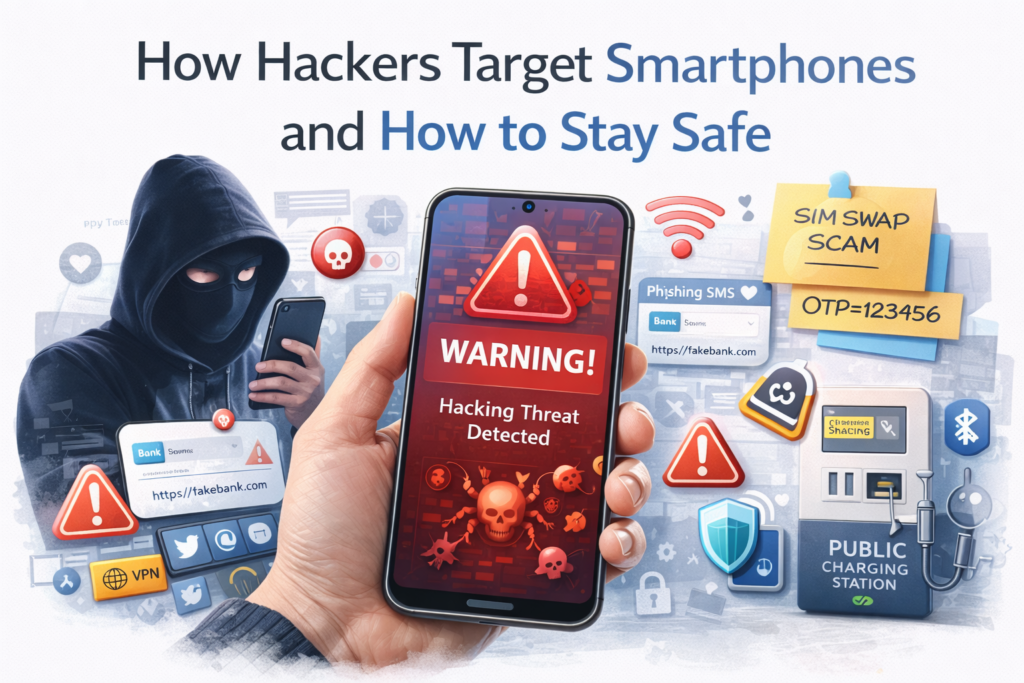
Why Smartphones Are a Prime Target
Smartphones are attractive to hackers because they store:
- personal photos and videos
- banking and payment apps
- saved passwords
- emails and messages
- social media accounts
- location data
Unlike computers, many users don’t take smartphone security seriously, which makes them easier targets.
1. Malicious Apps (Fake or Infected Apps)
One of the most common ways hackers attack smartphones is through malicious apps.
How it works:
- fake apps are uploaded to app stores or shared via links
- users install them thinking they are real
- the app secretly steals data or tracks activity
Common examples:
- fake games
- modified (mod) apps
- cracked apps
- unofficial APK downloads
How to stay safe:
- only download apps from trusted sources
- check app reviews and ratings
- avoid unknown APK files
2. Phishing Attacks on Mobile
Phishing is not limited to emails anymore.
How it works:
- fake SMS messages (smishing)
- fake login pages on mobile browsers
- links sent through messaging apps
These messages often say:
- “Your account is locked”
- “You won a prize”
- “Verify your bank details”
How to stay safe:
- never click unknown links
- check website URLs carefully
- avoid entering sensitive info on suspicious pages
3. Public Wi-Fi Attacks
Free Wi-Fi may look convenient, but it can be risky.
How hackers use it:
- create fake Wi-Fi networks
- intercept data from connected users
- perform “man-in-the-middle” attacks
Risks:
- password theft
- banking data exposure
- account hijacking
How to stay safe:
- avoid sensitive activities on public Wi-Fi
- use a VPN
- connect only to trusted networks
4. Spyware and Stalkerware
Some apps secretly monitor your phone activity.
What spyware can do:
- track your location
- record calls
- read messages
- access camera and microphone
These apps are often installed:
- through physical access
- disguised as normal apps
Warning signs:
- battery draining fast
- phone heating without reason
- unknown apps installed
How to stay safe:
- check app permissions
- scan your phone regularly
- remove suspicious apps
5. SIM Swap Attacks
This is a dangerous and growing scam.
How it works:
- hackers trick your mobile carrier
- transfer your number to a new SIM
- gain access to OTPs and accounts
Result:
They can reset passwords and access your banking apps.
How to stay safe:
- set a SIM PIN
- avoid sharing personal details publicly
- contact your carrier immediately if your network suddenly stops working
6. Bluetooth and Nearby Attacks
Hackers can exploit Bluetooth if it’s left on.
Risks:
- unauthorized device pairing
- data theft
- malware transfer
How to stay safe:
- turn off Bluetooth when not in use
- avoid accepting unknown connection requests
7. Fake Charging Stations (Juice Jacking)
Public charging stations can be risky.
How it works:
- compromised USB ports transfer malware
- data is accessed while charging
How to stay safe:
- use your own charger
- carry a power bank
- avoid public USB ports
8. OS Vulnerabilities and Outdated Software
Outdated phones are easier to hack.
Why:
- security flaws remain unpatched
- hackers exploit known vulnerabilities
How to stay safe:
- update your phone regularly
- install security patches
- avoid using very old devices
9. Social Engineering Tricks
Sometimes hackers don’t hack devices—they trick people.
Examples:
- pretending to be tech support
- fake customer care calls
- impersonating friends or family
How to stay safe:
- verify identity before sharing info
- never share OTP or passwords
- stay alert during calls and messages
How to Stay Safe: Simple Security Checklist
Here’s a quick checklist your readers can follow:
🔒 Use Strong Passwords
Avoid simple or repeated passwords.
🔑 Enable Two-Factor Authentication
Adds extra protection to accounts.
📱 Install Apps Carefully
Only from trusted sources.
🔄 Keep Software Updated
Fixes security issues.
🌐 Avoid Public Wi-Fi for Sensitive Tasks
Use secure networks.
🛡️ Use Mobile Security Apps
Adds extra protection layer.
📂 Backup Your Data
Protects against data loss.
ALSO READ…
- How to Fix Horizontal Lines on an Android Phone: A Step-by-Step Guide
- WhatsApp Finally Begins Rolling Out Username Support (What It Means for Everyone)
- Shutdown vs. Sleep: What’s Better for Your PC?
- TikTok Followers Disappearing? Recovery Guide (2026 Guide)
- How to Fix TikTok Comments Not Appearing (Complete 2026 Guide)
Real Human Advice
Most smartphone hacks don’t happen because of advanced hacking—they happen because of small mistakes.
- clicking the wrong link
- installing unknown apps
- ignoring updates
- trusting fake calls
If you stay alert and follow basic safety steps, you can avoid most threats.
Final Thoughts
Smartphones are powerful, but they also carry risks if not used carefully.
The key takeaway is simple:
Awareness + smart habits = strong protection
Hackers are getting smarter, but with the right knowledge, you can stay one step ahead.
SHARING IS CARING 💖