
If you’ve ever finished work late at night and paused before clicking Sleep or Shut Down, you’re not alone. It’s one of those small daily decisions almost every PC user makes without thinking.
But here’s the truth: neither option is always “better.”
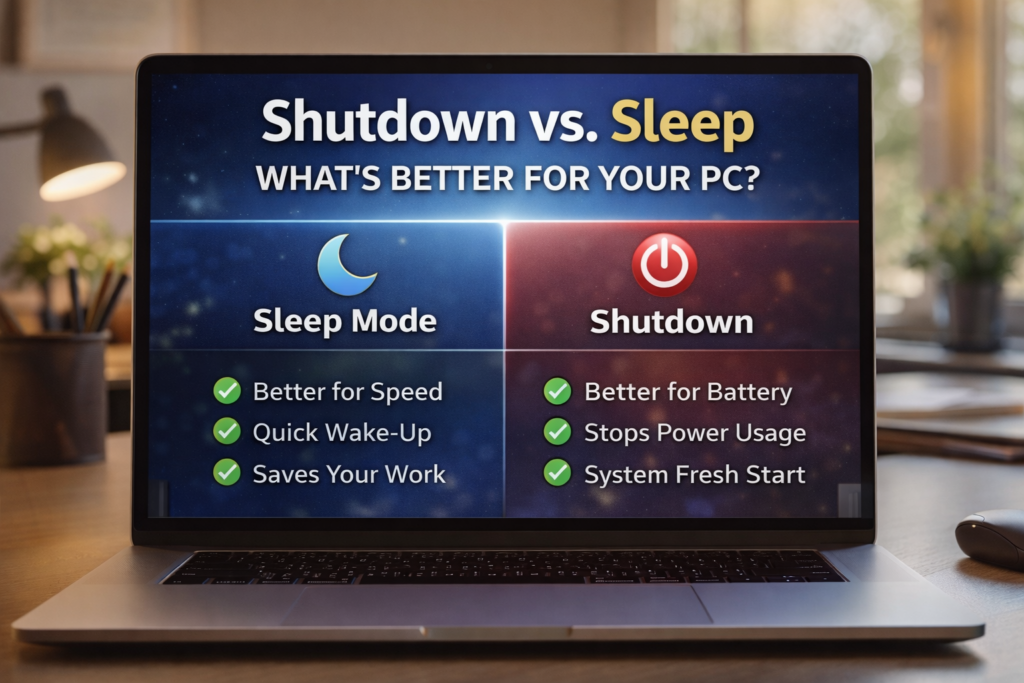
The right choice depends on how long you’ll be away, your battery needs, your PC’s performance, and even your long-term hardware health. Recent PC guides also confirm that Sleep is best for short breaks, while Shutdown is smarter for overnight or multi-day inactivity.
The Short Answer
Here’s the easiest way to explain it:
- Use Sleep → if you’ll return within a few hours
- Use Shut Down → if you’re done for the day
- Use Restart → if your PC feels slow or buggy
That’s the simple rule most people should follow.
What Happens When You Put Your PC to Sleep?
Sleep mode keeps your current work session saved in RAM while using very low power.
That means:
- your tabs stay open
- apps remain ready
- files stay exactly where you left them
- the PC wakes in seconds
This is why Sleep feels incredibly convenient.
Imagine you’re writing a report, editing a video, or researching online. Closing the lid and opening it later lets you continue instantly.
For busy professionals and students, this saves real time every day.
Best Time to Use Sleep
Sleep is best when:
- taking lunch breaks
- moving between meetings
- switching work locations
- stepping away for 1–4 hours
- pausing work overnight on a desktop plugged in
Modern laptops are especially optimized for this.
What Happens When You Shut Down Your PC?
Shutdown completely powers off the operating system.
This means:
- RAM clears
- background apps close
- temporary bugs reset
- updates finalize
- battery drain stops
- hardware cools fully
A full shutdown is like giving your PC a proper rest.
This is often healthier when:
- you won’t use it until tomorrow
- you’re traveling
- the laptop battery is low
- Windows needs updates
- your PC is overheating
Recent computer performance guides note that shutdown helps reduce unnecessary power draw and can improve long-term stability.
Sleep vs Shutdown: Which Is Better for Performance?
💤 Sleep Wins for Convenience
Sleep is better if speed matters.
Why?
Because booting from sleep takes only 2–5 seconds.
Perfect for:
- office workers
- bloggers
- designers
- programmers
- students
- multitaskers
If your work involves many tabs and open tools, Sleep is a lifesaver.
🔌 Shutdown Wins for Fresh Performance
Shutdown is better for:
- clearing memory leaks
- stopping hidden background apps
- reducing CPU heat
- fixing minor lag
- improving startup freshness
If your PC has been slow lately, shutdown is often the better choice.
For older PCs, shutdown can noticeably improve performance the next day.
Which One Saves More Battery?
This one is easy.
✅ Shutdown Saves the Most Battery
Even in sleep mode, your laptop still uses a little battery.
So if you leave it in sleep:
- overnight
- inside a bag
- while traveling
- during a power outage
- for several days
the battery can drain.
That’s why shutdown is better for laptops when unplugged.
Is Sleep Bad for Your PC?
No—sleep is not bad for modern PCs.
This is a common myth.
Modern Windows laptops and desktops are designed to handle sleep safely.
However, using sleep for many days in a row can lead to:
- more background memory usage
- pending updates
- small performance bugs
- battery drain
- heat in closed bags
So sleep is safe, but not ideal forever.
A shutdown every day or two keeps things smooth.
Best Choice for Different Users
👨💼 For Office Workers
Best choice: Sleep during day, Shutdown at night
This gives:
- faster workflow
- lower power use
- stable performance
🎓 For Students
If you constantly reopen notes, browser tabs, PDFs, and assignments:
Best choice: Sleep
It saves time and keeps study momentum.
🎮 For Gamers
After long gaming sessions, shutdown is better because:
- GPU cools fully
- RAM clears
- updates install
- performance resets
✈️ For Travelers
Always shutdown before putting laptop in a backpack.
Sleep mode can sometimes wake accidentally, causing:
- battery drain
- overheating
- fan issues
This is a major laptop safety tip.
The Best Daily Routine (Recommended)
For most readers, this is the smartest habit:
During the Day
➡️ Use Sleep
At Night
➡️ Use Shutdown
Once a Week
➡️ Use Restart
This gives the perfect balance of:
- speed
- battery life
- system freshness
- long-term hardware health
Final Verdict: Shutdown vs Sleep
So what’s actually better for your PC?
The honest answer:
- Sleep is better for convenience
- Shutdown is better for long breaks and battery
- Both are good when used correctly
The smartest real-world habit is simple:
Sleep for short breaks, shutdown when you’re done for the day.
That’s the best balance for most laptop and desktop users in 2026.
SHARING IS CARING 💖