
Most people think of their Wi-Fi router as a simple device that provides internet access to phones, laptops, and smart TVs. Once it’s set up and working, it usually sits quietly in a corner of the house, rarely getting any attention.
But modern Wi-Fi routers are much more powerful than many people realize. Hidden inside their settings are features that can improve security, boost performance, manage devices, and even protect your family online.
The surprising part is that many of these features are already built into routers that people use every day. They just remain unused because most users never explore the router’s settings.
In this article, we’ll explore five cool things your Wi-Fi router can do that you might not know about, along with real-life examples of how these features can make your internet experience faster, safer, and more convenient.
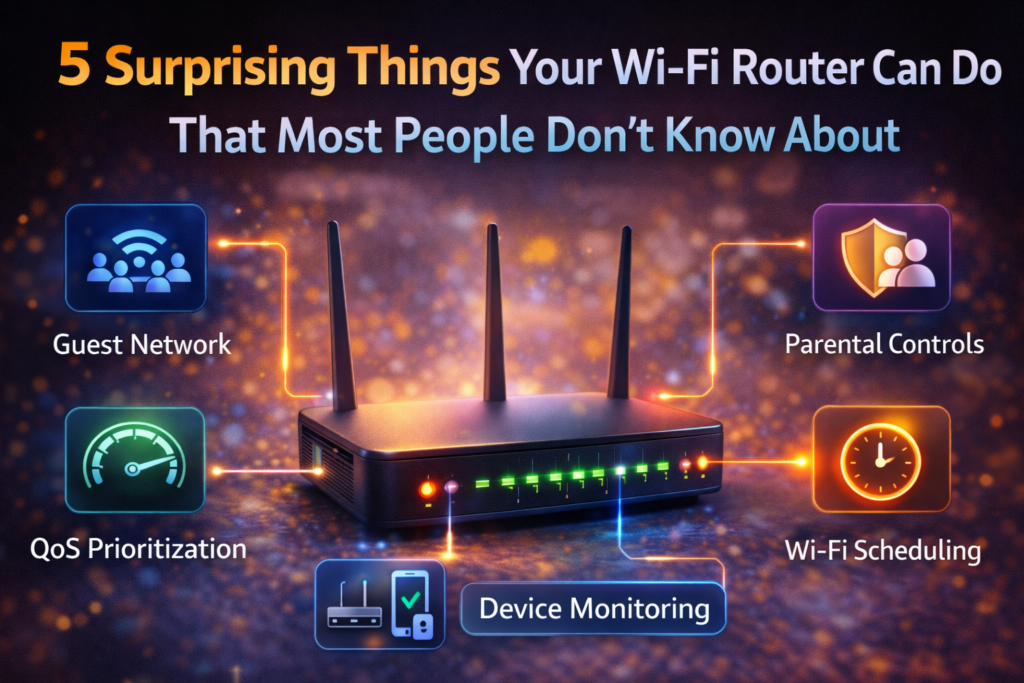
Why Your Wi-Fi Router Is More Powerful Than You Think
A Wi-Fi router is essentially the control center of your home network. Every device connected to the internet in your home communicates through it.
This means your router has the ability to:
- Manage internet traffic
- Control which devices connect
- Protect your network from threats
- Prioritize important activities
Because routers have become more advanced over the years, manufacturers now include many features designed to help users optimize their internet experience.
Let’s take a closer look at some of the most useful ones.
1. Create a Guest Wi-Fi Network
One of the most useful router features is the ability to create a separate guest Wi-Fi network.
Instead of sharing your main Wi-Fi password with visitors, you can give them access to a temporary network designed specifically for guests.
Why This Feature Matters
Your main network connects to personal devices such as:
- Phones
- Laptops
- Smart home systems
- Security cameras
Sharing your main password with multiple people increases the risk of unauthorized access.
A guest network keeps visitors separate from your private devices while still allowing them to use the internet.
Real-Life Example
Imagine friends visiting your home. Instead of giving them the password that connects to all your devices, you simply provide the guest network password.
They can browse the internet normally, but they cannot access your personal devices or files.
2. Prioritize Important Devices With Quality of Service (QoS)
Another powerful feature hidden in many routers is Quality of Service, often called QoS.
This feature allows your router to prioritize internet traffic for specific devices or activities.
How QoS Helps
Without prioritization, all devices share bandwidth equally. When several devices use the internet simultaneously, performance can drop.
QoS lets you prioritize tasks like:
- Video conferencing
- Online gaming
- Streaming video
- Work applications
Real-Life Example
Imagine someone in your house attending an important video meeting while others stream movies or download files.
With QoS enabled, your router can prioritize the video meeting to ensure it runs smoothly without interruptions.
3. Monitor Devices Connected to Your Network
Many routers allow you to see every device currently connected to your Wi-Fi network.
This feature is useful for both security and network management.
What You Can See
The router dashboard may display:
- Device names
- Connection times
- Data usage
- IP addresses
Why This Matters
Monitoring connected devices helps you detect unknown devices that shouldn’t be on your network.
Real-Life Example
If you notice an unfamiliar device connected to your Wi-Fi, you can immediately change the password or block that device.
This simple feature helps keep your network secure.
4. Set Parental Controls for Internet Usage
Many routers now include built-in parental control tools.
These tools allow parents to manage how children use the internet.
What Parental Controls Can Do
- Limit internet access during certain hours
- Block specific websites
- Monitor browsing activity
- Pause internet access for selected devices
Real-Life Example
Parents can set rules so that internet access automatically turns off on children’s devices after bedtime.
This helps create healthier screen habits and ensures kids focus on school or family time when needed.
5. Schedule Automatic Wi-Fi On and Off Times
Another feature that many people overlook is Wi-Fi scheduling.
This allows the router to automatically turn wireless signals on or off at specific times.
Why This Feature Is Useful
Some households prefer turning off Wi-Fi during certain hours for:
- Better sleep habits
- Reduced screen time
- Energy savings
Real-Life Example
You could schedule Wi-Fi to turn off automatically at midnight and turn back on in the morning.
This simple feature can help families create healthy technology boundaries.
Bonus Feature: Improve Security With Automatic Updates
Many modern routers support automatic firmware updates.
Firmware is the software that controls how your router operates.
Updates often include:
- Security improvements
- Bug fixes
- Performance enhancements
Keeping your router updated helps protect your network from vulnerabilities.
Tips for Getting the Most Out of Your Router
If you want to take advantage of these features, here are a few practical tips.
Access Your Router Dashboard
Most routers allow you to log in through a web browser or mobile app.
This is where you can configure advanced settings.
Change Default Passwords
Always replace the router’s default password with a strong one.
Keep Firmware Updated
Regular updates help maintain security and performance.
Place Your Router in a Central Location
Proper placement improves Wi-Fi coverage throughout your home.
The Future of Smart Routers
Wi-Fi technology continues evolving rapidly.
Modern routers are already incorporating advanced features such as:
- AI-based traffic management
- Automatic network optimization
- Built-in cybersecurity protection
- Smart home integration
As internet usage grows, routers will play an even bigger role in managing digital life inside homes.
Final Thoughts
Most people treat their Wi-Fi router as a simple internet device, but it’s actually one of the most powerful tools in your home network.
By exploring the settings and enabling features like guest networks, QoS prioritization, parental controls, and Wi-Fi scheduling, you can significantly improve both the performance and security of your network.
Taking just a few minutes to learn about these capabilities can help you create a faster, safer, and more organized internet experience for everyone in your household.
Your router is already capable of doing much more than you think—you just need to unlock its potential.
Frequently Asked Questions
Can I access my router settings easily?
Yes. Most routers allow access through a web browser or mobile app using the router’s IP address.
Is creating a guest network safe?
Yes. Guest networks help protect your main devices by isolating visitors from your private network.
What is QoS on a router?
QoS (Quality of Service) prioritizes certain devices or applications so they receive better bandwidth and smoother performance.
Do all routers have parental controls?
Not all routers include them, but many modern routers offer built-in parental control features.
Should I update my router firmware?
Yes. Updating firmware improves security, fixes bugs, and enhances router performance.
SHARING IS CARING 💖