
In today’s homes, Wi-Fi is everywhere. From smartphones and smart TVs to gaming consoles and laptops, wireless internet has become the default way most devices connect online. It’s convenient, flexible, and easy to set up.
But despite the convenience of Wi-Fi, there are still many situations where a wired Ethernet connection provides a much better experience.
Ethernet connections offer faster speeds, lower latency, improved reliability, and stronger security compared to wireless networks. For devices that rely heavily on stable internet connections, using an Ethernet cable instead of Wi-Fi can make a noticeable difference.
Many people assume Ethernet is outdated, but the truth is that it remains the best option for performance-critical devices.
In this guide, we’ll explore five devices that should always be connected to Ethernet whenever possible, along with real-life reasons why wired connections can improve your home network experience.
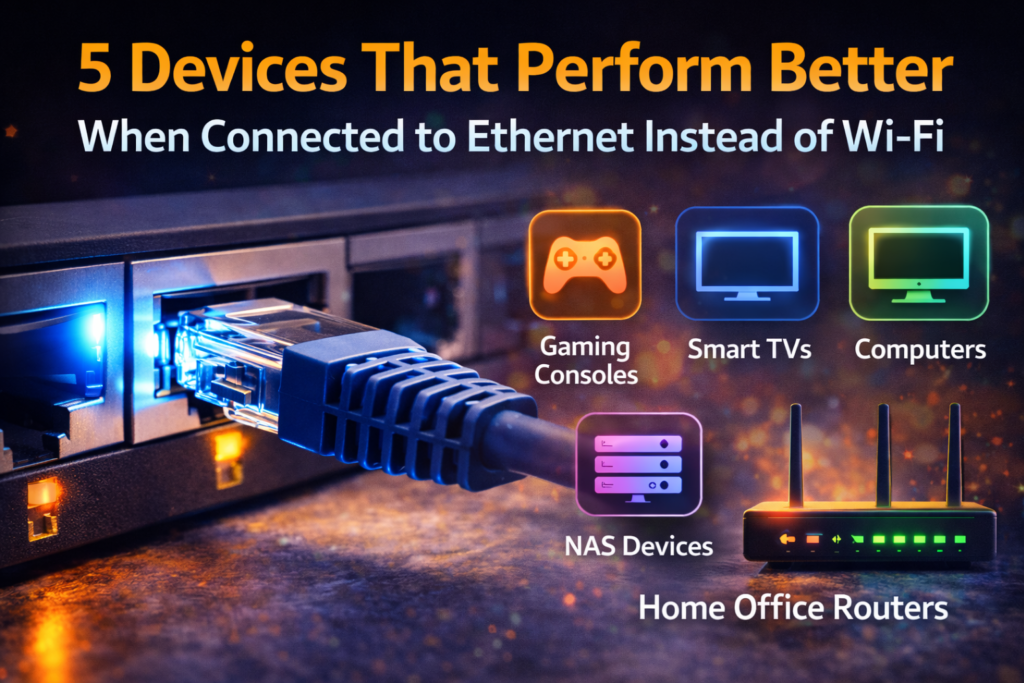
Why Ethernet Still Matters in Modern Homes
Before discussing the devices themselves, it’s important to understand why Ethernet is still valuable.
While Wi-Fi technology continues to improve, wireless signals are affected by several factors such as:
- Walls and floors
- Distance from the router
- Network congestion
- Interference from other devices
- Signal loss over time
Ethernet avoids these issues entirely because it uses a direct physical cable connection between your device and your router or modem.
This results in:
- More stable speeds
- Lower latency
- Consistent performance
- Fewer connection drops
For certain devices, these advantages can significantly improve the overall experience.
1. Gaming Consoles
If you enjoy online gaming, connecting your console to Ethernet can dramatically improve performance.
Many gamers experience problems such as:
- Lag during multiplayer matches
- Delayed actions
- Random connection drops
- Slow downloads for game updates
Most of these issues are caused by unstable wireless connections.
Why Ethernet Is Better for Gaming
Ethernet provides lower latency, which means faster communication between your console and the game server.
Benefits include:
- Faster response times
- Reduced lag
- More stable multiplayer sessions
- Faster game downloads and updates
For competitive gaming, even small improvements in latency can make a difference.
Real-Life Example
Imagine playing an online shooter game where reaction time matters. A wired connection ensures your commands reach the server instantly, giving you smoother gameplay.
Many professional gamers prefer Ethernet connections for exactly this reason.
2. Smart TVs and Streaming Devices
Streaming services have become a major part of modern entertainment.
Platforms such as video streaming services often deliver high-resolution content, including:
- Full HD video
- 4K streaming
- HDR content
While Wi-Fi can handle streaming, it often struggles when multiple devices share the network.
Why Ethernet Helps Streaming Devices
Connecting your smart TV or streaming box via Ethernet ensures:
- Faster buffering times
- More stable video playback
- Fewer interruptions during streaming
If you’ve ever experienced a movie stopping to buffer in the middle of an important scene, Wi-Fi interference is often the reason.
Real-Life Example
A family streaming movies in the living room while others use the internet elsewhere can overwhelm Wi-Fi. Ethernet provides a dedicated connection that keeps video playback smooth.
3. Desktop Computers
Desktop computers are one of the best candidates for Ethernet connections.
Unlike laptops or mobile devices, desktops typically remain in one location, making wired networking easy to set up.
Advantages of Ethernet for Desktops
Using Ethernet for desktop computers offers:
- Faster file downloads
- Stable video calls
- Better performance for online work
- Reliable cloud backups
Many professionals who work remotely rely on wired connections to avoid interruptions during important tasks.
Real-Life Example
If you participate in frequent video meetings, an Ethernet connection ensures your connection stays stable, preventing dropped calls or frozen video.
For people working from home, this reliability can be essential.
4. Network Storage Devices (NAS)
Network-attached storage devices, often called NAS systems, are used to store files, backups, photos, and media.
Because NAS devices handle large amounts of data, they benefit significantly from Ethernet connections.
Why NAS Devices Need Ethernet
Ethernet allows NAS systems to transfer data faster and more reliably.
Benefits include:
- Faster file transfers
- Reliable backups
- Smooth media streaming from local storage
- Stable connections for multiple users
Wi-Fi often struggles with large file transfers, especially when dealing with high-resolution media files.
Real-Life Example
If you store family photos, videos, or large work files on a NAS system, Ethernet ensures quick access and smooth transfers across your home network.
5. Home Office Routers and Access Points
In many modern homes, people use additional networking devices such as:
- Wi-Fi access points
- Mesh network nodes
- Secondary routers
These devices extend Wi-Fi coverage throughout the home.
Why Ethernet Improves Network Performance
When access points connect to your router using Ethernet, they can deliver stronger Wi-Fi signals across the house.
This setup is called a wired backhaul, and it improves performance significantly.
Advantages include:
- Faster Wi-Fi speeds
- Better coverage across rooms
- Reduced wireless congestion
Using Ethernet between network devices ensures your wireless network operates at its best.
Additional Devices That Benefit From Ethernet
Although the five devices above are the most common examples, several other devices can also benefit from wired connections.
These include:
- Smart home hubs
- Security camera systems
- Video conferencing equipment
- Media servers
Any device that relies heavily on stable internet performance can benefit from Ethernet.
Balancing Ethernet and Wi-Fi at Home
While Ethernet offers many advantages, Wi-Fi still plays an important role in modern homes.
Portable devices such as smartphones and tablets require wireless connectivity.
The best home networks typically use a combination of both technologies.
A Balanced Network Setup
- Ethernet for stationary devices
- Wi-Fi for mobile devices
- Wired connections for high-bandwidth activities
This approach ensures the best possible performance while maintaining convenience.
Simple Tips for Setting Up Ethernet at Home
If you want to start using Ethernet more often, here are a few simple tips.
Use Modern Ethernet Cables
Cat6 or Cat6a cables support faster speeds and improved reliability.
Connect High-Bandwidth Devices First
Devices that consume the most internet bandwidth should receive wired connections.
Organize Your Network Setup
Keeping cables tidy and organized makes troubleshooting easier.
Consider Ethernet Switches
A network switch allows you to connect multiple devices to one router port.
Why Wired Connections Are Making a Comeback
As internet speeds continue increasing and more devices connect to home networks, reliability becomes increasingly important.
Many people are rediscovering the benefits of Ethernet for tasks such as:
- Online gaming
- Remote work
- Streaming entertainment
- Large file transfers
Even though Wi-Fi is convenient, Ethernet remains one of the most reliable networking solutions available.
Final Thoughts
Wireless technology has made internet access easier than ever, but Ethernet still offers unmatched reliability for certain devices.
By connecting important devices such as gaming consoles, smart TVs, desktop computers, and network storage systems to Ethernet, you can dramatically improve your home network’s performance.
Instead of relying entirely on Wi-Fi, combining wired and wireless connections allows you to enjoy both speed and convenience.
For many households, this balanced approach creates a faster, more reliable internet experience that supports modern digital lifestyles.
Frequently Asked Questions
Is Ethernet faster than Wi-Fi?
In most situations, Ethernet provides more stable and consistent speeds than Wi-Fi because it uses a direct cable connection rather than wireless signals.
Does Ethernet reduce lag in gaming?
Yes. Ethernet reduces latency and improves connection stability, which helps reduce lag during online gaming.
Can smart TVs use Ethernet?
Many smart TVs include Ethernet ports, allowing them to connect directly to routers for smoother streaming performance.
Is Ethernet more secure than Wi-Fi?
Ethernet connections are generally more secure because they require physical access to the network.
Do I still need Wi-Fi if I use Ethernet?
Yes. Wi-Fi is still necessary for mobile devices such as smartphones, tablets, and laptops that require wireless connectivity.
SHARING IS CARING 💖