
Managing a Facebook Page is one of the most effective ways to connect with an audience, promote content, and build a community online. Businesses, creators, and organizations rely heavily on Facebook to share photos, videos, updates, and marketing campaigns.
However, many page owners occasionally face a frustrating issue: photos or videos fail to upload properly.
Sometimes uploads freeze halfway, videos fail to process, or the platform displays an unexpected error message. These problems can delay posts and interrupt your social media strategy.
The good news is that most Facebook upload errors are caused by simple technical issues that can be fixed quickly.
In this guide, we’ll explain why Facebook photo and video upload errors happen and how to fix them step by step.
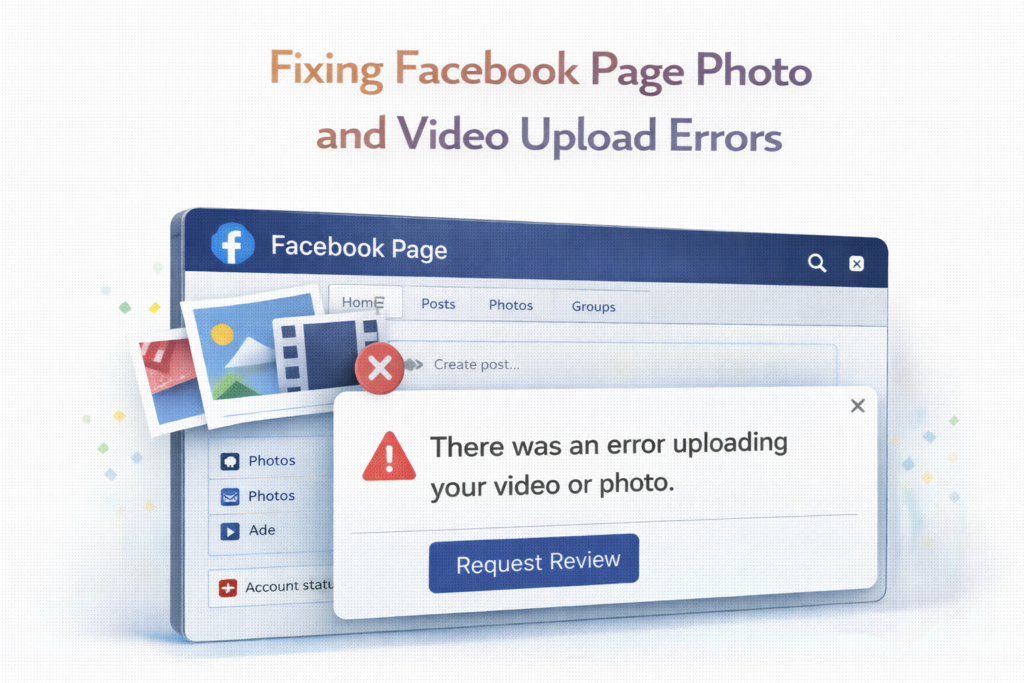
Why Facebook Upload Errors Happen
Before trying to fix the issue, it helps to understand why uploads fail.
Facebook processes billions of uploads every day, and several factors can affect the process.
Common causes include:
- Weak internet connection
- Unsupported file formats
- File size limits
- Browser issues
- Temporary platform glitches
Fortunately, most of these problems are easy to resolve once identified.
Common Facebook Photo Upload Problems
Photo uploads usually fail for a few specific reasons.
Understanding these causes can help you troubleshoot quickly.
Large Image Files
Although Facebook supports high-quality images, extremely large files may take longer to upload or fail entirely.
Solution
Resize images before uploading.
Most photos upload smoothly when optimized for social media.
Unsupported Image Formats
Facebook supports popular image formats such as:
- JPEG
- PNG
- GIF
If your image uses a different format, the upload may fail.
Solution
Convert the file to a supported format before uploading.
Slow Internet Connection
A slow or unstable internet connection is one of the most common reasons uploads fail.
Real-Life Example
If you attempt to upload a high-resolution photo while connected to weak Wi-Fi, the upload may stop or restart repeatedly.
Common Facebook Video Upload Problems
Video uploads tend to encounter more issues than images because video files are larger and require processing.
File Size Limits
Large video files can exceed Facebook’s maximum upload size.
Solution
Compress the video or export it in a lower resolution.
Unsupported Video Formats
Facebook supports several video formats, including:
- MP4
- MOV
Other formats may not process correctly.
Helpful Tip
Using MP4 format with standard video codecs typically works best.
Video Processing Delays
Even when a video uploads successfully, Facebook still needs to process it.
During this stage, the video may appear unavailable.
What You Can Do
Wait a few minutes and refresh the page to check if processing has completed.
Step-by-Step Solutions to Fix Facebook Upload Errors
If you encounter an upload error, follow these troubleshooting steps.
1. Check Your Internet Connection
The first step is verifying that your internet connection is stable.
Slow or unstable connections can interrupt uploads.
What to Try
- Restart your Wi-Fi router
- Switch to a stronger network
- Upload using a wired connection if possible
2. Refresh the Browser or App
Sometimes the problem is caused by a temporary glitch in the Facebook app or browser.
Quick Fix
Refresh the page or restart the Facebook app before attempting the upload again.
3. Clear Browser Cache and Cookies
If you’re uploading from a web browser, stored cache files may interfere with Facebook’s upload process.
How This Helps
Clearing your browser cache removes outdated data and allows the page to load fresh content.
4. Update the Facebook App
If you’re using the Facebook mobile app, ensure that it’s updated to the latest version.
Older versions may contain bugs that affect uploading features.
5. Check Facebook Server Status
Occasionally, upload problems occur because Facebook itself is experiencing technical issues.
In these cases, the best solution is simply to wait until the platform resolves the problem.
Best Practices for Uploading Photos to Facebook
To avoid future upload problems, consider following these best practices.
Optimize Image Size
Images that are too large can take longer to upload and process.
Optimizing images improves upload speed and platform compatibility.
Use Recommended Image Formats
JPEG and PNG formats are typically the most reliable options for Facebook uploads.
Avoid Uploading Multiple Large Files at Once
Uploading many high-resolution images simultaneously can sometimes cause errors.
Uploading them in smaller batches may improve success rates.
Best Practices for Uploading Videos
Video uploads require slightly more preparation.
Compress Video Files
Reducing video file size helps speed up uploads and ensures smoother processing.
Use Compatible Video Settings
Common recommended settings include:
- MP4 format
- Standard frame rates
- Balanced resolution
Upload During Stable Internet Conditions
Uploading large video files while connected to a stable network improves success rates.
Real-Life Example: Fixing an Upload Error
Imagine a business owner trying to upload a promotional video to their Facebook Page.
The video fails to upload multiple times.
After checking the file, they realize the video format is not supported by Facebook.
They convert the video to MP4 format and compress the file slightly.
After trying again, the upload succeeds without issues.
This simple adjustment resolves the problem quickly.
Why Consistent Posting Matters
Fixing upload errors quickly helps maintain a consistent posting schedule.
Consistency is important for:
- Audience engagement
- Brand visibility
- Social media growth
Regular posts help keep followers interested and improve the performance of your Facebook Page.
Final Thoughts
Facebook upload errors can be frustrating, especially when you’re trying to share important content with your audience.
However, most issues are caused by simple factors such as unsupported file formats, large file sizes, or internet connection problems.
By understanding the most common causes and applying the solutions outlined in this guide, you can resolve upload issues quickly and keep your content flowing smoothly.
With the right preparation and best practices, uploading photos and videos to Facebook can become a reliable and efficient part of your social media workflow.
Frequently Asked Questions
Why won’t my photos upload to Facebook?
Photo upload issues are often caused by slow internet connections, unsupported file formats, or large file sizes.
What video format works best for Facebook?
MP4 format is typically the most reliable and widely supported option.
How long does Facebook take to process videos?
Video processing usually takes a few minutes, depending on file size and network speed.
Can browser problems cause upload errors?
Yes. Outdated browsers or cached data can sometimes interfere with uploads.
How can I prevent upload errors in the future?
Use supported file formats, maintain a stable internet connection, and keep apps or browsers updated.
SHARING IS CARING 💖