
Modern cars are becoming smarter every year, and Android Auto has played a big role in that transformation. With just a smartphone and a compatible car display, drivers can access navigation, music, calls, and messaging safely while keeping their attention on the road.
Most people use Android Auto mainly for familiar apps like maps and music streaming. While those are useful, there are many lesser-known Android Auto apps that can significantly improve the driving experience.
These apps can help drivers stay more organized, safer, and even more entertained during long journeys.
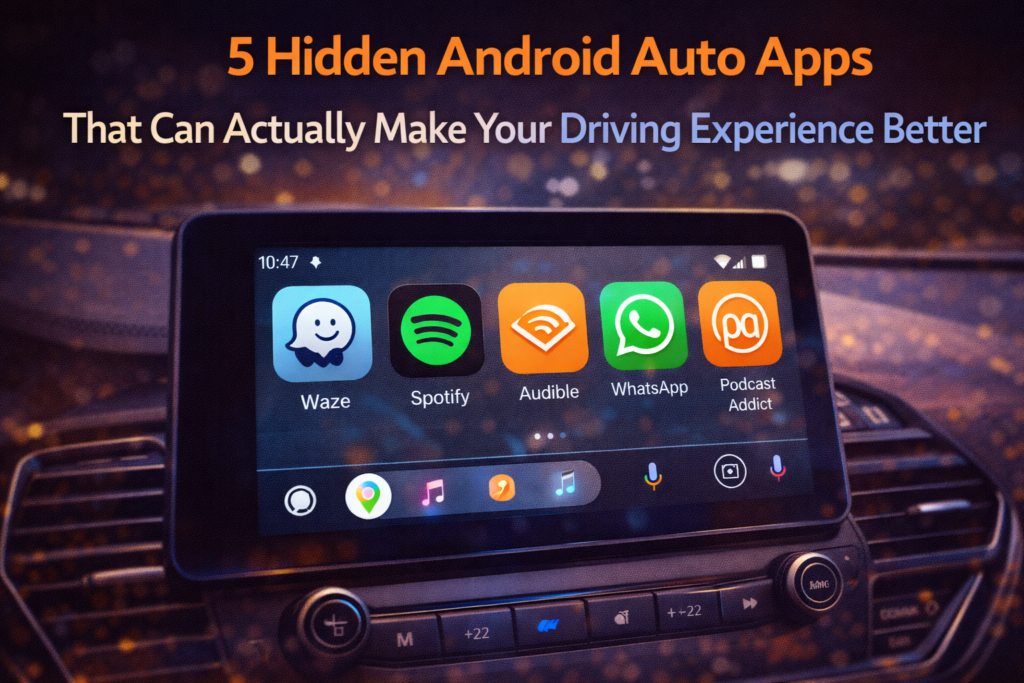
In this guide, we’ll explore five unique Android Auto apps that can genuinely improve your time behind the wheel, along with practical examples of how they can make everyday driving easier.
Why Android Auto Apps Matter for Drivers
Before diving into the apps themselves, it’s important to understand why Android Auto apps are useful.
Unlike regular mobile apps, Android Auto apps are designed specifically for driving situations. This means they prioritize:
- Voice control
- Large and simple interfaces
- Minimal distractions
- Quick access to important information
These design principles help drivers stay focused on the road while still benefiting from helpful technology.
With the right apps installed, Android Auto can become more than just a navigation tool—it can become a complete driving assistant.
1. Waze – Smarter Community Navigation
Navigation apps are essential for most drivers, but some apps offer more than just directions.
One popular option is Waze, which uses real-time information shared by drivers to improve navigation.
Why Waze Stands Out
Unlike traditional navigation apps, Waze provides updates from other drivers on the road.
This includes:
- Traffic congestion
- Road hazards
- Accidents
- Speed cameras
- Police alerts
Real-Life Example
If an accident occurs ahead, drivers using Waze can report it instantly. Other users then receive alerts and can take alternative routes.
This community-driven approach often helps drivers avoid unexpected delays.
2. Spotify – Personalized Music for Every Drive
Music plays a huge role in making drives more enjoyable, whether it’s a short commute or a long road trip.
Spotify works seamlessly with Android Auto and offers features that make music selection simple while driving.
Useful Features
- Voice-controlled music playback
- Personalized playlists
- Podcast streaming
- Automatic recommendations
Real-Life Example
If you’re starting a long drive, you can simply say:
“Play my driving playlist.”
Spotify will immediately begin playing music without requiring you to touch your phone.
3. Audible – Turn Traffic Into Learning Time
Traffic jams and long commutes can sometimes feel frustrating, but audiobook apps like Audible can turn that time into something productive.
Audible allows drivers to listen to books while keeping their eyes on the road.
Benefits of Audiobooks While Driving
- Makes long trips more engaging
- Helps pass time during traffic
- Allows learning new topics
- Keeps drivers entertained without distractions
Real-Life Example
Instead of scrolling through music repeatedly, drivers can listen to a complete audiobook during their commute.
This transforms driving time into learning time.
4. WhatsApp Voice Messaging – Stay Connected Safely
Communication while driving should always be handled carefully.
Android Auto supports messaging apps that allow voice commands for sending and receiving messages.
WhatsApp is one of the most commonly used apps for this purpose.
What Makes It Useful
Drivers can:
- Hear messages read aloud
- Reply using voice commands
- Send quick voice responses
Real-Life Example
If someone sends a message while you’re driving, Android Auto can read the message out loud.
You can then respond by speaking instead of typing, which helps keep your hands on the wheel.
5. Podcast Addict – Perfect for Long Drives
Podcasts have become extremely popular, and Android Auto supports several podcast apps.
One option many drivers enjoy is Podcast Addict.
Why Podcasts Are Great for Driving
Podcasts offer a wide range of content, including:
- News updates
- Educational discussions
- Comedy shows
- Interviews
Real-Life Example
Drivers can listen to a daily news podcast during their morning commute to stay informed about current events.
This makes routine drives feel more meaningful.
Tips for Using Android Auto Safely
While Android Auto is designed to reduce distractions, it’s still important to use it responsibly.
Here are some simple safety tips.
Use Voice Commands
Voice commands allow you to control apps without touching the screen.
Set Navigation Before Driving
Always enter destinations before starting the car.
Keep the Interface Simple
Avoid installing too many apps that could clutter the dashboard.
Focus on the Road
Technology should assist driving—not distract from it.
How to Install Apps for Android Auto
Installing Android Auto apps is simple.
Steps usually include:
- Open the Google Play Store
- Search for the app you want
- Install the app on your phone
- Connect your phone to Android Auto
Once installed, compatible apps will automatically appear in the Android Auto interface.
The Future of Android Auto Apps
Android Auto continues evolving as vehicles become more connected.
Future improvements may include:
- AI-based driving assistance
- Improved voice recognition
- Smarter route recommendations
- Deeper integration with car systems
As technology advances, drivers will likely gain access to even more helpful tools designed specifically for the road.
Final Thoughts
Android Auto has transformed how drivers interact with their smartphones while on the road. By using voice controls and simplified interfaces, it allows access to useful apps without creating unnecessary distractions.
While many drivers rely on navigation and music apps, exploring additional apps like audiobooks, podcasts, and communication tools can greatly improve the driving experience.
Whether you want to avoid traffic, enjoy better entertainment, or stay connected safely, the right Android Auto apps can make every journey more convenient and enjoyable.
With just a few thoughtful additions, your car’s dashboard can become a powerful companion for both short trips and long road adventures.
Frequently Asked Questions
What is Android Auto?
Android Auto is a platform that allows Android smartphones to connect with car displays so drivers can use apps like navigation, music, and messaging safely.
Are Android Auto apps safe to use while driving?
Yes. Apps designed for Android Auto use simplified interfaces and voice commands to reduce distractions.
Do all apps work with Android Auto?
No. Only apps specifically optimized for Android Auto are supported.
Can Android Auto work wirelessly?
Some vehicles support wireless Android Auto connections, while others require a USB cable.
Is Android Auto free to use?
Yes. Android Auto is free, although some supported apps may require subscriptions.
SHARING IS CARING 💖