
In today’s digital world, almost every part of our lives is connected to online accounts. From social media and email to banking and cloud storage, these accounts contain valuable personal information. Unfortunately, cybercriminals constantly try to gain unauthorized access to them.
If hackers compromise your accounts, they can steal personal data, send fraudulent messages, or even access financial information. Because of this risk, protecting your online accounts is essential.
The good news is that you can significantly improve your security by following a few simple practices. In this guide, you will learn how to protect your online accounts from hackers using effective and easy-to-follow security tips.
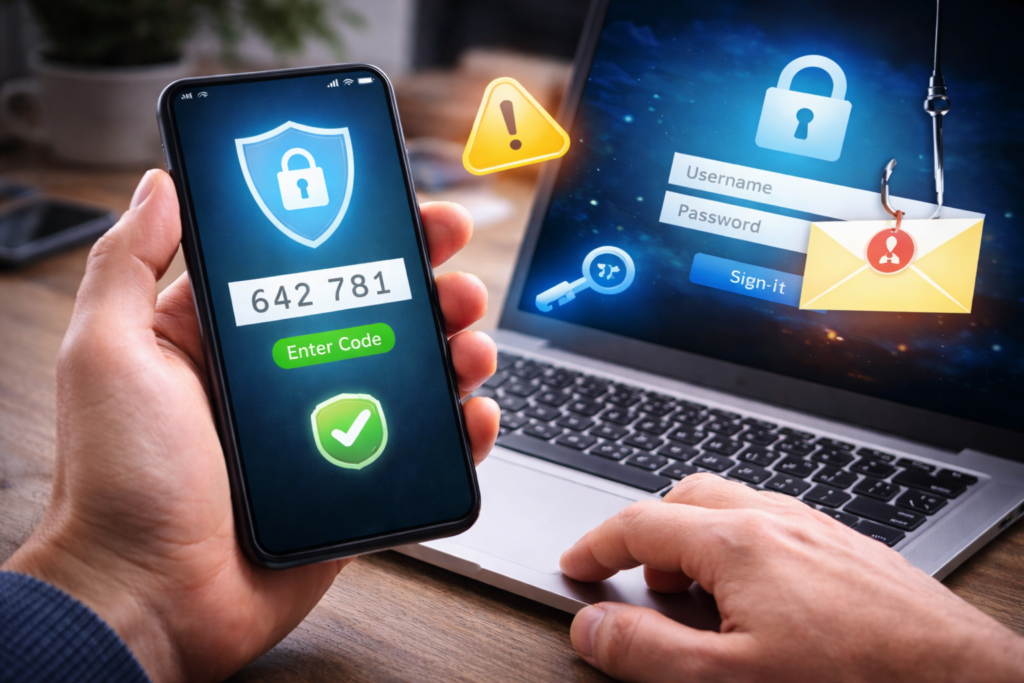
Why Online Accounts Are Targeted by Hackers
Hackers target online accounts because they often contain sensitive information.
Common targets include:
- Email accounts
- Social media profiles
- Online banking accounts
- Cloud storage services
- Online shopping accounts
If attackers gain access to one account, they may attempt to access other services linked to it.
1. Use Strong and Unique Passwords
One of the most common causes of hacked accounts is weak passwords.
Many users choose passwords that are easy to remember, such as names or simple number combinations. These passwords can often be guessed quickly.
Tips for Creating Strong Passwords
- Use at least 12–16 characters
- Combine letters, numbers, and symbols
- Avoid using personal information
- Use a different password for each account
A strong password significantly reduces the risk of unauthorized access.
2. Enable Two-Factor Authentication (2FA)
Two-factor authentication adds an extra layer of security.
When 2FA is enabled, logging in requires two steps:
- Your password
- A temporary verification code
This code is usually sent to your phone or generated by an authentication app.
Even if hackers discover your password, they still cannot access your account without the second verification step.
3. Avoid Phishing Scams
Phishing is one of the most common ways hackers steal login credentials.
Attackers often send emails or messages that look like they come from legitimate companies.
These messages usually ask you to:
- Reset your password
- Confirm account details
- Click a suspicious link
How to Avoid Phishing
- Check the sender’s email address carefully
- Avoid clicking unknown links
- Never enter login details on suspicious websites
Always verify messages before responding.
4. Keep Your Software Updated
Software updates often include important security improvements.
Outdated systems may contain vulnerabilities that hackers can exploit.
Make sure to update:
- Your operating system
- Web browsers
- Apps and programs
- Security software
Keeping your devices updated helps protect your accounts from known threats.
ALSO READ…
- 6 Google Drive Replacements for Linux
- 5 Clever Uses for Your Old Chromebooks
- How to Make Viral Instagram Reels in the USA
- How to Recover a Hacked Social Media Account
5. Use a Password Manager
Managing multiple strong passwords can be difficult. A password manager helps store and organize your passwords securely.
Benefits include:
- Creating strong passwords automatically
- Storing login credentials securely
- Filling passwords safely when needed
Password managers reduce the risk of password reuse and improve overall security.
6. Monitor Your Account Activity
Regularly checking your account activity can help you detect suspicious behavior early.
Look for:
- Unknown login locations
- Password change notifications
- Unauthorized transactions
- Unexpected messages sent from your account
If you notice anything unusual, change your password immediately.
7. Secure Your Email Account
Your email account is often the key to recovering other accounts.
If hackers gain access to your email, they may reset passwords for other services.
Important Steps
- Use a strong password for email
- Enable two-factor authentication
- Monitor login activity regularly
Protecting your email account should be a top priority.
8. Avoid Public Wi-Fi for Sensitive Logins
Public Wi-Fi networks can be risky because attackers may monitor internet traffic.
Avoid logging into sensitive accounts such as:
- Banking services
- Email accounts
- Work systems
If you must use public Wi-Fi, consider using a secure VPN connection.
9. Log Out from Shared Devices
If you access accounts on shared or public computers, always log out when finished.
Failing to log out can allow others to access your account.
Also remember to avoid saving passwords on public devices.
10. Backup Important Data
Even with strong security measures, accidents can happen.
Backing up your data ensures that you do not lose important files if an account is compromised.
Cloud backups and external storage devices are useful options for protecting valuable data.
Signs That Your Account May Be Compromised
Recognizing suspicious activity quickly can help prevent further damage.
Warning signs include:
- Unexpected password reset emails
- Messages sent from your account without your knowledge
- New devices logged into your account
- Missing or changed information
If you notice these signs, update your password immediately and review your security settings.
Final Thoughts
Protecting your online accounts from hackers is more important than ever. Cyber threats continue to evolve, but most attacks can be prevented with strong passwords, two-factor authentication, and careful online habits.
By following these simple security practices, you can significantly reduce the risk of unauthorized access and keep your personal information safe.
Taking a few minutes to strengthen your account security today can prevent major problems in the future.
SHARING IS CARING 💖