
Productivity has become a major focus for professionals, students, and remote workers. With more people working online and managing multiple tasks daily, having the right digital tools can make a huge difference.
The good news is that you don’t need expensive software to stay organized and efficient. Many free productivity tools offer powerful features that help you manage tasks, organize information, and collaborate with others.
In this guide, we’ll explore the best free tools to improve your productivity, helping you save time, reduce distractions, and work more efficiently.
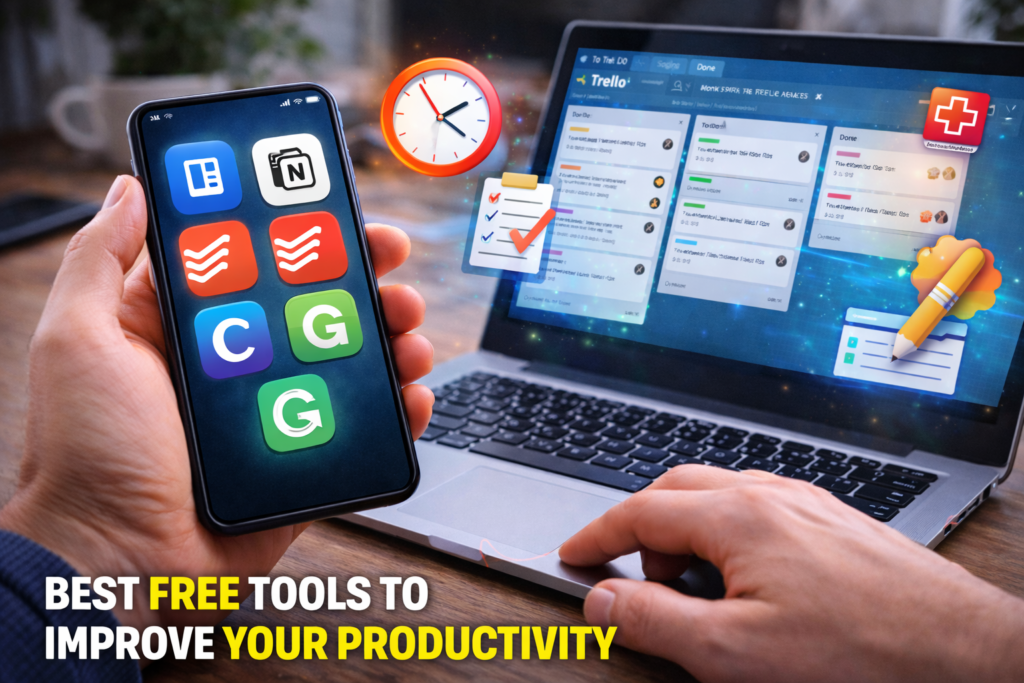
Why Productivity Tools Matter
Using productivity tools can help you:
- Organize tasks and deadlines
- Manage projects more efficiently
- Reduce time spent on repetitive tasks
- Improve collaboration with teams
- Stay focused and avoid distractions
Whether you are a freelancer, student, or business professional, the right tools can significantly improve your workflow.
1. Trello – Simple Project Management
Trello is one of the most popular free tools for organizing tasks and managing projects.
It uses a visual board system where you can create cards for tasks and move them between columns as you make progress.
Key Features
- Drag-and-drop task boards
- Team collaboration tools
- File attachments
- Deadline reminders
Best For
Project management and team collaboration.
2. Notion – All-in-One Workspace
Notion is a powerful productivity platform that combines note-taking, project management, and databases in one place.
Key Features
- Task lists and project boards
- Document organization
- Team collaboration
- Custom workflows
Best For
People who want a single tool to manage notes, tasks, and projects.
3. Google Keep – Quick Notes and Reminders
Google Keep is a simple note-taking app that helps you capture ideas quickly.
Key Features
- Voice notes
- Checklists
- Reminders
- Cross-device syncing
Best For
Quick notes and daily reminders.
4. Todoist – Task Management Tool
Todoist is a popular task management tool that helps you organize tasks efficiently.
Key Features
- Task prioritization
- Deadline tracking
- Productivity insights
- Cross-platform apps
Best For
People who want structured task management.
ALSO READ…
- 6 Google Drive Replacements for Linux
- 5 Clever Uses for Your Old Chromebooks
- How to Make Viral Instagram Reels in the USA
- How to Recover a Hacked Social Media Account
5. RescueTime – Time Tracking and Focus
RescueTime helps you understand how you spend your time on your computer.
Key Features
- Automatic time tracking
- Productivity reports
- Focus sessions
- Website blocking
Best For
Improving time management and reducing distractions.
6. Canva – Fast Visual Content Creation
Canva is a free graphic design platform used for creating presentations, graphics, and social media content.
Key Features
- Thousands of templates
- Easy drag-and-drop editor
- Free design assets
- Quick visual creation
Best For
Designing graphics without professional design skills.
7. Grammarly – Writing Assistance
Grammarly is a writing assistant that helps improve grammar, clarity, and readability.
Key Features
- Grammar and spelling correction
- Writing suggestions
- Tone detection
- Browser integration
Best For
Improving writing quality for emails, documents, and blog posts.
Tips for Using Productivity Tools Effectively
To get the most out of productivity tools:
- Choose tools that match your workflow
- Avoid using too many tools at once
- Set daily goals and priorities
- Review progress regularly
The goal is to simplify your workflow, not make it more complicated.
How Productivity Tools Improve Work Efficiency
Using the right tools can help you:
- Save time on repetitive tasks
- Reduce mental clutter
- Improve organization
- Focus on important tasks
Many professionals in the United States rely on digital productivity tools to maintain efficiency in remote and hybrid work environments.
Final Thoughts
Productivity tools can transform the way you work and manage your daily tasks. Whether you need help organizing projects, taking notes, tracking time, or improving your writing, there are many powerful free tools available.
Platforms like Trello, Notion, Google Keep, Todoist, RescueTime, Canva, and Grammarly offer valuable features that help you stay organized and efficient without spending money.
By choosing the right tools and building consistent habits, you can significantly improve your productivity and make better use of your time.
SHARING IS CARING 💖