
Many people have old computers sitting unused because they feel too slow to run modern operating systems. Instead of throwing them away, you can give those machines a new life by installing a lightweight Linux distribution.
Lightweight Linux distros are designed to use minimal system resources while still providing a smooth and reliable computing experience. These operating systems work especially well on older laptops and desktops with limited RAM, slower processors, and small storage drives.
In this guide, we will explore the best lightweight Linux distros for old computers, helping you choose the right option to revive your aging hardware.
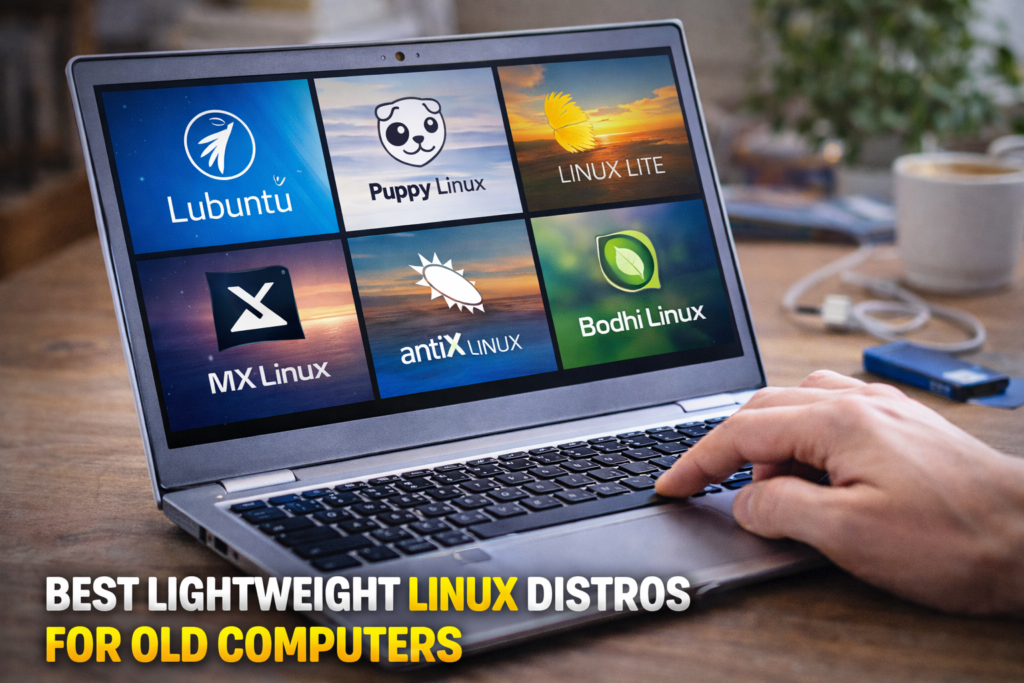
Why Use Lightweight Linux on an Old Computer
Traditional operating systems can struggle on older devices because they require more memory and processing power. Lightweight Linux distributions solve this problem by focusing on efficiency and simplicity.
Key benefits include:
- Faster performance on older hardware
- Lower RAM and CPU usage
- Longer life for old laptops and desktops
- Free and open-source software
- Access to thousands of Linux applications
Many users in the United States choose lightweight Linux distros to reduce electronic waste and save money by extending the life of their computers.
1. Lubuntu
Lubuntu is one of the most popular lightweight Linux distributions. It is based on Ubuntu but uses the LXQt desktop environment, which consumes fewer system resources.
Key Features
- Very low memory usage
- Simple and clean interface
- Compatible with many Ubuntu applications
- Fast boot times
Recommended For
Users who want a familiar interface with strong community support.
Minimum Requirements
- 1GB RAM (recommended)
- Basic processor
- Small storage space
2. Linux Lite
Linux Lite is designed specifically for beginners who want to switch from Windows to Linux.
Key Features
- Easy-to-use interface
- Lightweight XFCE desktop environment
- Built-in help tools
- Excellent stability
Recommended For
Users who want a simple and beginner-friendly Linux experience on older computers.
3. Puppy Linux
Puppy Linux is one of the lightest Linux distributions available. It can run directly from a USB drive or CD without installation.
Key Features
- Extremely small size
- Very fast performance
- Runs completely in RAM
- Works well on very old computers
Recommended For
Computers with very limited hardware resources.
4. MX Linux
MX Linux has gained popularity for being lightweight while still offering powerful features.
Key Features
- XFCE desktop environment
- Strong performance on older machines
- Excellent hardware compatibility
- Stable and secure
Recommended For
Users who want a balance between performance and modern features.
ALSO READ…
- 6 Google Drive Replacements for Linux
- 5 Clever Uses for Your Old Chromebooks
- How to Make Viral Instagram Reels in the USA
- How to Recover a Hacked Social Media Account
5. AntiX Linux
AntiX Linux is built for extremely old hardware and uses very few system resources.
Key Features
- Very low RAM usage
- Fast boot times
- Lightweight desktop environment
- Efficient system tools
Recommended For
Computers with less than 1GB RAM.
6. Bodhi Linux
Bodhi Linux uses the Moksha desktop environment, which is visually appealing while remaining lightweight.
Key Features
- Elegant design
- Low resource consumption
- Fast performance
- Highly customizable interface
Recommended For
Users who want a modern-looking lightweight Linux system.
Tips for Installing Linux on an Old Computer
If you want to install Linux on an older computer, follow these steps:
1. Check Your Hardware
Make sure your computer meets the minimum requirements for the Linux distribution.
2. Create a Bootable USB
Download the Linux ISO file and create a bootable USB drive using tools like Rufus or Etcher.
3. Test in Live Mode
Most Linux distros allow you to test them before installing.
4. Install the System
Follow the installation guide to install the OS on your computer.
How Lightweight Linux Improves Old Computers
Switching to lightweight Linux can make a dramatic difference in performance.
Benefits include:
- Faster startup times
- Better multitasking
- Reduced system crashes
- Longer usable lifespan for older devices
Many users are surprised by how responsive old hardware becomes after switching to Linux.
Final Thoughts
Old computers do not have to become useless just because modern operating systems demand more resources. Lightweight Linux distributions offer an excellent solution for breathing new life into aging hardware.
Distros like Lubuntu, Linux Lite, Puppy Linux, MX Linux, AntiX, and Bodhi Linux provide fast performance while remaining easy to use.
If you have an old laptop or desktop collecting dust, installing a lightweight Linux distro could transform it into a fast and useful machine again.
SHARING IS CARING 💖