
Smartphones have become an essential part of everyday life. Whether you are working, streaming videos, browsing social media, or navigating maps, your phone’s battery plays a critical role in keeping you connected. However, many users experience battery drain faster than expected.
If your phone battery dies quickly, the problem may not always be the battery itself. Often, certain settings, apps, and usage habits reduce battery efficiency. The good news is that with a few simple adjustments, you can significantly extend your smartphone’s battery life.
In this guide, you will learn how to make your smartphone battery last longer using practical tips that work for both Android and iPhone devices used across the United States.
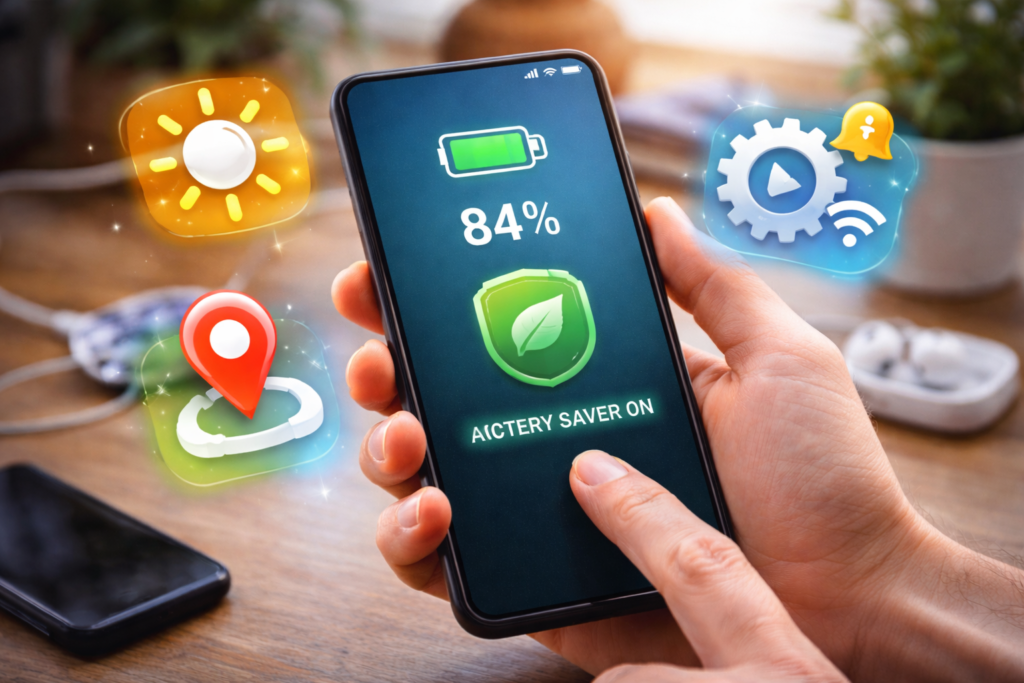
Why Smartphone Batteries Drain Quickly
Before improving battery life, it helps to understand what causes excessive battery usage.
Some of the most common reasons include:
- High screen brightness
- Background apps running constantly
- Location services running all the time
- Outdated apps or software
- Poor charging habits
- Too many push notifications
By managing these factors, you can extend both daily battery life and long-term battery health.
1. Reduce Screen Brightness
Your smartphone screen is one of the biggest battery consumers.
Keeping brightness at maximum levels drains the battery much faster.
What You Can Do
- Lower brightness manually
- Enable auto-brightness
- Use dark mode when possible
These simple adjustments can noticeably reduce battery usage.
2. Close Apps Running in the Background
Many apps continue running even after you stop using them.
These background processes consume both RAM and battery power.
Tip
Check your phone’s app usage settings and close apps that are not actively needed.
This is especially important for:
- Social media apps
- Navigation apps
- Streaming apps
3. Disable Unnecessary Location Services
Location services use GPS, which can significantly drain your battery.
Best Practice
Only enable location access for apps that truly need it, such as:
- Maps
- Ride-sharing apps
- Weather apps
Turning off location access for other apps can extend battery life.
4. Turn Off Unused Wireless Features
Features like Bluetooth, Wi-Fi, and hotspot services consume battery even when idle.
What to Do
Turn these off when you are not using them:
- Bluetooth
- Mobile hotspot
- Nearby device scanning
This helps conserve power throughout the day.
ALSO READ…
- 6 Google Drive Replacements for Linux
- 5 Clever Uses for Your Old Chromebooks
- How to Make Viral Instagram Reels in the USA
- How to Recover a Hacked Social Media Account
5. Enable Battery Saver Mode
Most smartphones include built-in power-saving modes.
Battery saver mode reduces background activity and optimizes system performance.
Benefits
- Extends battery life
- Limits background processes
- Reduces CPU usage
Using this feature during the day can help your phone last longer.
6. Keep Your Apps and System Updated
Software updates often include performance improvements and battery optimizations.
Updating your phone can:
- Fix battery-draining bugs
- Improve app efficiency
- Optimize system processes
Always install updates from trusted sources.
7. Manage Push Notifications
Frequent notifications wake your phone repeatedly, using power each time.
Tip
Disable notifications for apps that are not essential.
Examples include:
- Shopping apps
- Games
- Promotional alerts
Reducing notifications can significantly improve battery life.
8. Avoid Extreme Temperatures
Heat and cold can negatively affect battery health.
Protect Your Battery
Avoid leaving your phone:
- In direct sunlight
- Inside hot cars
- In freezing conditions
Keeping your phone at moderate temperatures preserves battery performance.
9. Charge Your Phone Properly
Charging habits play a major role in long-term battery health.
Best Charging Practices
- Avoid letting battery drop to 0% regularly
- Try to keep battery between 20% and 80%
- Use original or certified chargers
- Avoid overnight charging frequently
Healthy charging habits help maintain battery capacity over time.
10. Remove Unused Apps
Apps you rarely use may still consume battery power.
Deleting unused apps helps:
- Free storage space
- Reduce background activity
- Improve device performance
Regularly reviewing installed apps is a good habit.
How Long Should a Smartphone Battery Last?
Most smartphone batteries are designed to last two to three years before noticeable capacity decline.
However, proper care and good usage habits can extend battery health and keep your device functioning efficiently for much longer.
Final Thoughts
A smartphone battery that drains quickly can be frustrating, but the problem is often easy to fix. By adjusting screen brightness, managing apps, turning off unnecessary features, and maintaining healthy charging habits, you can significantly improve your phone’s battery life.
These simple techniques help ensure that your smartphone stays reliable throughout the day while also preserving battery health for years to come.
Taking care of your device not only improves performance but also reduces the need for early replacements.
SHARING IS CARING 💗