
If you rely on YouTube for income, seeing the message “Your channel is no longer eligible for monetization” can be alarming. Thousands of creators across the United States face monetization issues every year — often without clear explanations.
In this guide, you’ll learn why YouTube disables monetization, how to fix it step by step, and how to avoid future monetization problems.
What Does YouTube Monetization Disabled Mean?
When YouTube disables monetization, your videos stop showing ads. This means:
- No ad revenue
- Super Chats disabled
- Channel Memberships removed
- YouTube Premium earnings paused
Your channel still exists, but it can’t earn money until the issue is resolved.
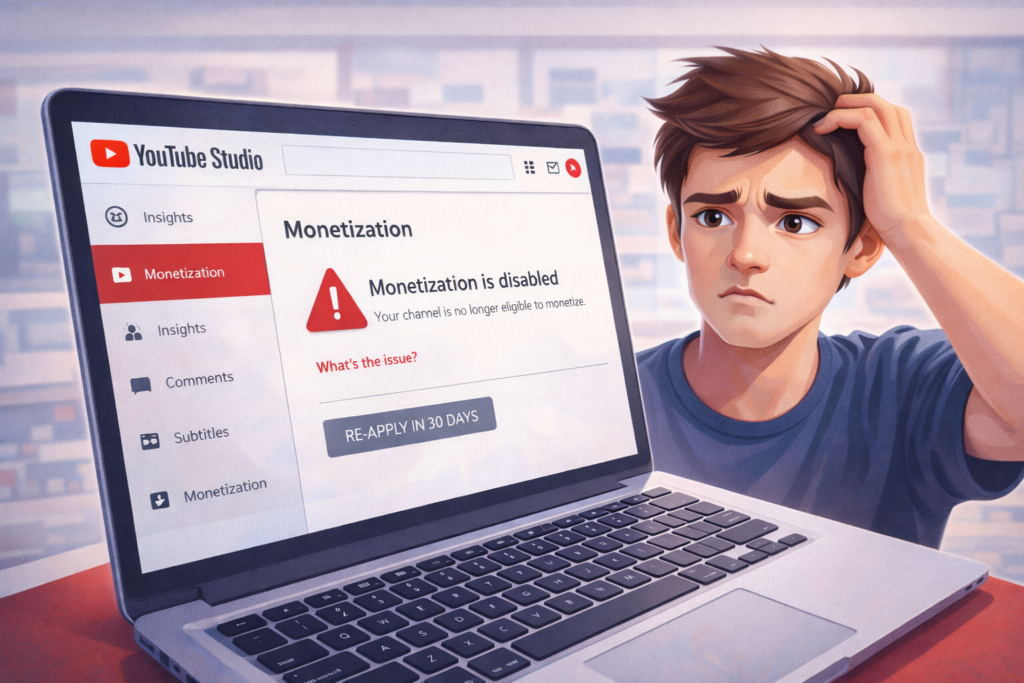
Why YouTube Disables Monetization
Here are the most common causes in the USA:
1. Reused or Repetitive Content
YouTube removes monetization if your videos:
- Use clips from other creators
- Are compilations with no original value
- Reuse TikTok or Instagram videos
2. Low-Quality or AI Content
Videos that:
- Use only AI voices
- Have minimal editing
- Provide no real value
can violate YouTube’s monetization rules.
3. Copyright Problems
Too many:
- Copyright claims
- Copyright strikes
- Music violations
can trigger demonetization.
4. Violating Community Guidelines
Content involving:
- Hate speech
- Violence
- Misleading information
can remove monetization even if the channel isn’t deleted.
How to Check Why Your Monetization Was Disabled
- Go to YouTube Studio
- Click Earn
- Select Monetization Status
- Read the policy violation notice
YouTube usually tells you which policy was violated.
How to Fix YouTube Monetization Disabled (Step-by-Step)
✅ Step 1: Review YouTube Monetization Policies
Read YouTube’s:
- Reused content policy
- Advertiser-friendly guidelines
- Community rules
Understanding these is critical.
✅ Step 2: Fix Problematic Videos
Delete or improve videos that:
- Use reused clips
- Have low value
- Contain copyrighted music
Replace them with original, useful content.
✅ Step 3: Improve Content Quality
To get approved again:
- Use your own voice
- Show your face when possible
- Add commentary or tutorials
- Create original scripts
YouTube wants real creators, not automated channels.
✅ Step 4: Wait 30 Days
YouTube requires a 30-day waiting period before reapplying.
Use this time to upload high-quality original content.
✅ Step 5: Reapply for Monetization
In YouTube Studio:
- Click Earn
- Click Apply
- Submit your channel for review
YouTube will manually review your content.
How Long Does YouTube Review Take?
In the USA, review times are usually:
- 7 to 30 days
You will get an email when the decision is made.
What If YouTube Rejects Monetization Again?
You can:
- Fix more videos
- Improve originality
- Reapply after another 30 days
Most creators succeed on the second or third attempt.
How to Avoid Monetization Problems in the Future
✔ Create original videos
✔ Use royalty-free music
✔ Avoid reused clips
✔ Follow YouTube guidelines
✔ Build a real audience
FAQs
Can monetization be restored?
Yes, if you fix the issues and follow YouTube’s policies.
Does deleting videos help?
Yes, especially if they violate reused or copyright rules.
Can AI channels get monetized?
Yes, but only if content is original and valuable.
Is demonetization permanent?
No. Most channels recover.
Final Thoughts
YouTube monetization issues are common in the USA, but most creators can fix them by improving content quality and originality. Follow YouTube’s rules, stay consistent, and your channel can earn again.
For more fixes, visit SocialMediaFixes.com regularly.