
WhatsApp is one of the most popular messaging apps in the United States for personal chats, business communication, and customer support. So when you suddenly see the message “Your account is temporarily banned from WhatsApp”, it can feel stressful and confusing. Many USA users experience this problem every day, even when they believe they did nothing wrong.
This detailed guide explains why WhatsApp bans accounts, how to unban your number safely, and how to avoid getting banned again. Everything here is written in a clear, simple, and legal way that follows Google AdSense and WhatsApp policies.
Why WhatsApp Bans Accounts
WhatsApp uses automated systems to protect users from spam, scams, and abusive behavior. If your account breaks their rules or looks suspicious, it may get restricted.
Here are the most common reasons why WhatsApp bans accounts in the USA:
1. Using Unofficial WhatsApp Apps
Apps like GB WhatsApp, FM WhatsApp, or WhatsApp Plus are not allowed. These modified versions violate WhatsApp’s terms and often lead to permanent bans.
2. Sending Too Many Messages
Sending a large number of messages in a short time, especially to people who don’t have your number saved, looks like spam.
3. Getting Blocked or Reported
If many users block or report your account, WhatsApp may restrict your number.
4. Using Automation or Bots
Auto-reply tools, bulk messaging software, or automation scripts can trigger WhatsApp’s security systems.
5. Suspicious Login Activity
Logging in from multiple devices or using VPNs can make your account appear unsafe.
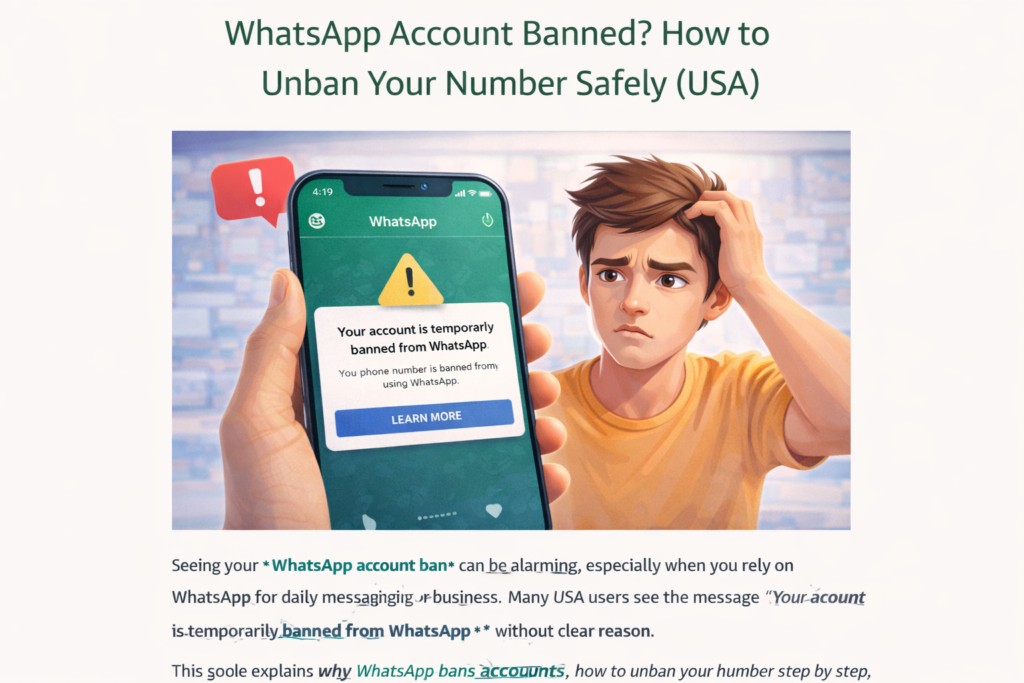
Types of WhatsApp Bans
Understanding what kind of ban you have helps you take the right steps.
Temporary Ban
You may see a timer. Once it ends, your account usually works again.
Permanent Ban
WhatsApp may say your number is no longer allowed to use the service.
Review Pending
WhatsApp is checking your account after you requested a review.
How to Unban a WhatsApp Account (Step-by-Step)
Follow these safe steps to restore your WhatsApp account.
Step 1: Check the Ban Message
Open WhatsApp and read the ban notice carefully. It will tell you if it’s temporary or permanent.
Step 2: Use the “Request a Review” Option
Tap Request a Review inside WhatsApp. Write a short, honest message such as:
“I believe my account was banned by mistake. I use WhatsApp for personal communication only and follow the rules. Please review my account.”
Do not mention modified apps or automation tools.
Step 3: Verify Your Phone Number
Enter the verification code WhatsApp sends to your phone.
Step 4: Wait for WhatsApp’s Response
This usually takes:
- 24 to 48 hours
- Sometimes up to 72 hours
During this time, do not try to log in from different devices.
If WhatsApp Does Not Unban You
If WhatsApp denies your request, you still have a few options.
Option 1: Contact WhatsApp Support
Send an email to:
support@whatsapp.com
Include:
- Your phone number with country code
- A polite explanation
- Request for review
Option 2: Wait Before Re-registering
If permanently banned, wait at least 30–60 days before trying again with the same number.
Option 3: Use a New Phone Number
In some cases, using a new phone number may be the only solution.
How to Avoid WhatsApp Bans in the Future
Once your account is restored, follow these best practices.
Use Only the Official WhatsApp App
Download WhatsApp only from:
- Apple App Store
- Google Play Store
Never use modified versions.
Message Only People Who Know You
Avoid sending messages to strangers. If you do, ask for permission first.
Do Not Send Bulk Messages
WhatsApp is not for mass marketing. Use WhatsApp Business API if needed.
Keep Your Account Secure
- Avoid using VPNs while logging in
- Don’t log in from multiple phones
- Enable two-step verification
Avoid Getting Reported
Be respectful. Do not send:
- Spam
- Fake offers
- Harmful content
WhatsApp Business Accounts
If you use WhatsApp for business in the USA, be extra careful.
- Use WhatsApp Business app
- Follow messaging limits
- Get user consent before sending messages
Businesses that follow WhatsApp’s policies are rarely banned.
How Long Does It Take to Get Unbanned?
Here is the typical timeline:
| Ban Type | Recovery Time |
|---|---|
| Temporary ban | 24–72 hours |
| Review requested | 1–3 days |
| Permanent ban | May not be recoverable |
Frequently Asked Questions
Can I get my WhatsApp account back after permanent ban?
Sometimes yes, if the ban was a mistake. If not, you may need a new number.
Does WhatsApp ban numbers forever?
Some numbers are permanently blocked, especially for repeated violations.
Will deleting WhatsApp fix the ban?
No. Deleting or reinstalling does not remove a ban.
Does VPN cause WhatsApp ban?
It can, especially if your IP location changes often.
Final Thoughts
A WhatsApp ban can be frustrating, especially when you rely on the app for communication in the USA. Most bans happen due to automated systems, and many users successfully get their accounts restored by requesting a review and following WhatsApp’s rules.
By using the official app, messaging responsibly, and avoiding spammy behavior, you can keep your WhatsApp account safe and working smoothly.
For more social media fixes, visit SocialMediaFixes.com and stay updated with helpful guides for Instagram, Facebook, TikTok, and WhatsApp.