
Google Ads is one of the most powerful advertising platforms for businesses and marketers in the United States. However, many advertisers are now seeing a new requirement: Google Ads support now requires account change authorization before making any changes.
This update has confused many users, especially those who rely on Google Ads support for campaign adjustments, billing fixes, or account troubleshooting.
If you’ve recently contacted Google Ads support and were asked for account authorization, don’t worry. This is part of Google’s new security measures. In this guide, you’ll learn what this change means, why it was introduced, and how to complete the authorization process quickly.
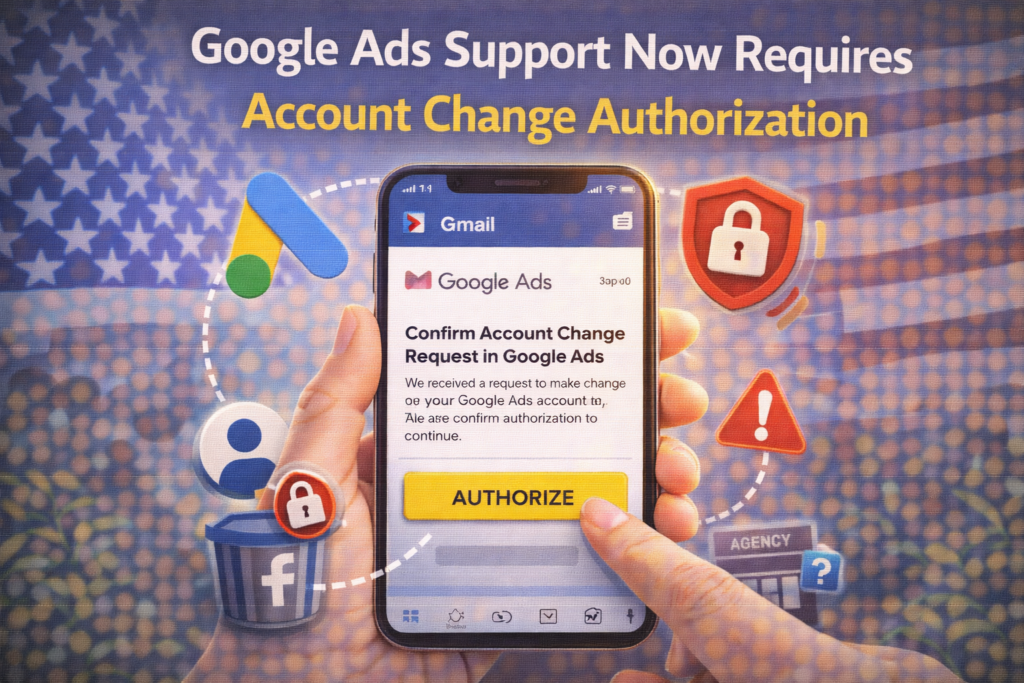
What Is “Account Change Authorization” in Google Ads?
Account Change Authorization is a security verification step introduced by Google Ads. It ensures that only authorized users can request or approve changes to an account.
This means Google Ads support will not:
- Modify campaigns
- Update billing details
- Change account settings
unless proper authorization is provided.
Why Google Ads Introduced This Requirement
Google has strengthened account security due to:
1. Increase in Account Hacking
Many advertisers reported unauthorized access and changes to their ad accounts.
2. Data Protection Regulations in the USA
Stricter privacy and security rules require platforms to verify user identity before making changes.
3. Prevent Unauthorized Agency Actions
Agencies or freelancers cannot request changes without proper permission from account owners.
When Will You Be Asked for Authorization?
You may be asked for authorization when:
- Contacting Google Ads support
- Requesting billing changes
- Editing campaign settings via support
- Transferring account ownership
- Fixing account suspensions
Types of Google Ads Authorization Methods
Google may use different methods depending on your request.
1. Email Verification
You may receive an email asking you to confirm approval for changes.
2. Account Access Verification
Google may check if you are:
- Admin
- Standard user
- Linked manager account
Only authorized roles can approve changes.
3. Identity Confirmation
In some cases, Google may request:
- Business verification
- Identity documents
- Domain ownership proof
4. Manager Account (MCC) Approval
If an agency manages your account, authorization may be required through the Manager Account.
Step-by-Step: How to Complete Google Ads Authorization
Follow these steps to avoid delays.
✅ Step 1: Log Into Your Google Ads Account
Always log in with the primary admin email associated with your account.
✅ Step 2: Check Your Access Level
Go to:
Tools & Settings → Access and Security
Ensure you have:
- Admin access (recommended)
- Or Standard access
✅ Step 3: Respond to Authorization Email
If Google sends a request:
- Open the email
- Review the requested change
- Click Approve or follow instructions
✅ Step 4: Confirm Identity (If Required)
If prompted:
- Upload requested documents
- Verify business details
- Confirm account ownership
✅ Step 5: Coordinate With Your Team or Agency
If someone else manages your account:
- Ask them to send proper request
- Approve changes from your admin account
How Long Does Authorization Take?
For most USA advertisers:
- Email approval: Instant to 1 hour
- Identity verification: 1–3 days
- Complex cases: up to 7 days
Common Problems and How to Fix Them
❌ Problem: No Authorization Email Received
Fix:
- Check spam folder
- Confirm correct email is linked
❌ Problem: You Don’t Have Admin Access
Fix:
- Request access from current admin
- Upgrade your role
❌ Problem: Agency Cannot Make Changes
Fix:
- Approve access via Manager Account
- Assign proper permissions
❌ Problem: Authorization Request Expired
Fix:
- Contact support again
- Request a new authorization link
What NOT to Do
❌ Don’t share login credentials
❌ Don’t approve unknown requests
❌ Don’t ignore verification emails
❌ Don’t use unauthorized third-party tools
These can risk account security.
How to Avoid Authorization Delays
✔ Keep admin access updated
✔ Use a single primary account owner
✔ Monitor account permissions regularly
✔ Respond to support emails quickly
✔ Keep business verification complete
Benefits of This New System
Although it may feel inconvenient, this update provides:
- Better account security
- Protection from unauthorized changes
- Clear approval process
- Reduced risk of account suspension
Frequently Asked Questions (FAQs)
Why is Google Ads asking for authorization now?
To improve account security and prevent unauthorized access.
Can support make changes without approval?
No, authorization is now required for most changes.
Who can approve account changes?
Only users with proper access (Admin or authorized roles).
Does this affect small businesses?
Yes, all advertisers in the USA are affected.
Final Thoughts
The new Google Ads account change authorization requirement is a major step toward improving account security. While it may add an extra step, it ensures that only trusted users can make important changes.
By understanding the process and responding quickly to authorization requests, advertisers in the United States can avoid delays and keep their campaigns running smoothly.
For more digital marketing updates and social media fixes, visit SocialMediaFixes.com.
SHARING IS CARING 💖