
Facebook Messenger is one of the most popular messaging platforms in the United States, used for personal chats, business communication, and customer support. But many users suddenly face a frustrating issue where Facebook Messenger is not sending messages. Messages may stay stuck on “Sending,” fail to deliver, or never reach the recipient.
If Messenger isn’t sending your messages, don’t worry. This issue is common and usually caused by network problems, app glitches, or account restrictions. The good news is that most users can fix the problem quickly with the right steps.
This guide explains why Facebook Messenger messages fail to send, how to fix it step by step, and how to prevent it from happening again.
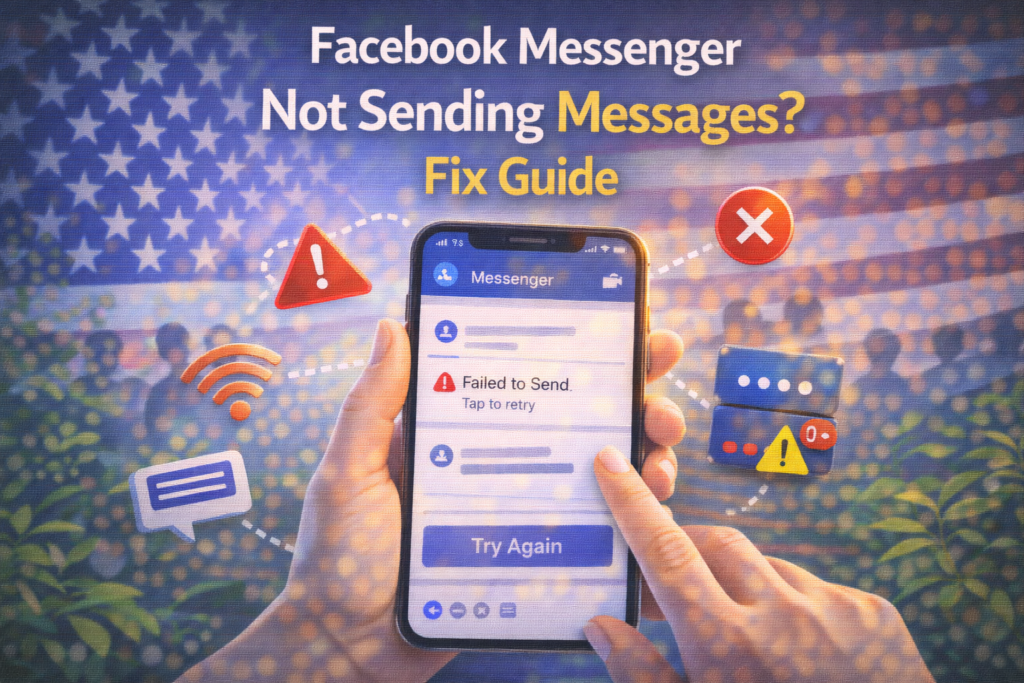
What Does It Mean When Messenger Is Not Sending Messages?
When Messenger fails to send, you may notice:
- Message stuck with a spinning circle
- Message marked as “Not Sent”
- Message fails with an error
- No delivery confirmation
This means the message did not successfully reach Facebook’s servers or the recipient.
Common Reasons Facebook Messenger Is Not Sending Messages
Understanding the cause makes it easier to fix.
1. Internet Connection Problems
Messenger requires a stable connection. Messages may fail if:
- Wi-Fi is weak
- Mobile data is unstable
- Network switches frequently
2. Facebook Server Issues
Sometimes Messenger stops working due to temporary server outages affecting users in the USA.
3. App Glitches or Bugs
App updates can sometimes introduce bugs that prevent messages from sending.
4. Account Restrictions
If Facebook detects unusual activity such as spam-like behavior, it may temporarily limit messaging features.
5. Blocked by the Recipient
If someone blocks you on Messenger, messages will not send or deliver.
6. Background Data Restrictions
If Messenger is not allowed to run in the background, syncing may stop.
Step-by-Step: How to Fix Messenger Not Sending Messages
Follow these steps in order. Most USA users solve the issue quickly.
✅ Step 1: Check Your Internet Connection
- Switch between Wi-Fi and mobile data
- Turn Airplane Mode on for 10 seconds, then off
- Restart your router if using Wi-Fi
A stable connection is essential.
✅ Step 2: Restart the Messenger App
- Close Messenger completely
- Remove it from recent apps
- Open it again and try sending the message
✅ Step 3: Restart Your Phone
Restarting your device clears temporary glitches.
✅ Step 4: Update the Messenger App
Go to:
- App Store (iOS)
- Google Play Store (Android)
Install the latest version of Messenger.
✅ Step 5: Clear App Cache (Android Only)
- Go to Settings → Apps → Messenger
- Tap Storage
- Select Clear Cache
This can fix sending errors.
✅ Step 6: Check Facebook Server Status
If many users report issues, the problem may be on Facebook’s side. In that case, wait until service is restored.
✅ Step 7: Check If You’re Blocked
If messages never deliver and calls don’t connect, you may be blocked. There’s no technical fix for this.
✅ Step 8: Log Out and Log Back In
Logging out refreshes your session and may fix syncing problems.
How Long Does the Problem Last?
For most USA users:
- Network issues: a few minutes
- App glitches: minutes to hours
- Server outages: 1–24 hours
- Account restrictions: 24–72 hours
The issue is rarely permanent.
What NOT to Do
❌ Don’t spam messages repeatedly
❌ Don’t reinstall the app multiple times
❌ Don’t use unofficial Messenger apps
❌ Don’t use VPNs unnecessarily
These actions can make things worse.
How to Prevent Messenger Sending Issues
✔ Keep the app updated
✔ Use a stable internet connection
✔ Avoid sending spam or bulk messages
✔ Allow background data
✔ Secure your Facebook account
Good account habits prevent future problems.
Frequently Asked Questions (FAQs)
Why does Messenger show “Not Sent”?
Usually due to network or server issues.
Can Facebook block messaging temporarily?
Yes, if unusual or spam-like activity is detected.
Does VPN affect Messenger?
Yes, VPNs can cause connection issues.
Will reinstalling fix the problem?
Sometimes, but not always necessary.
Final Thoughts
If Facebook Messenger is not sending messages, the issue is usually temporary and fixable. By checking your connection, updating the app, and avoiding restricted activity, most users in the USA can restore messaging quickly.
Messenger remains a reliable platform, but occasional issues do occur. Staying informed helps you resolve them faster.
For more Facebook fixes and social media help guides, visit SocialMediaFixes.com.
SHARING IS CARING 💖