
Getting your Facebook account locked can be stressful, especially when you rely on Facebook for business, communication, or daily use. Many users in the USA suddenly see messages like “Your account has been locked” or “Suspicious activity detected”, with no clear explanation.
In this guide, you’ll learn why Facebook locks accounts, how long the lock lasts, and step-by-step methods to unlock your Facebook account safely.
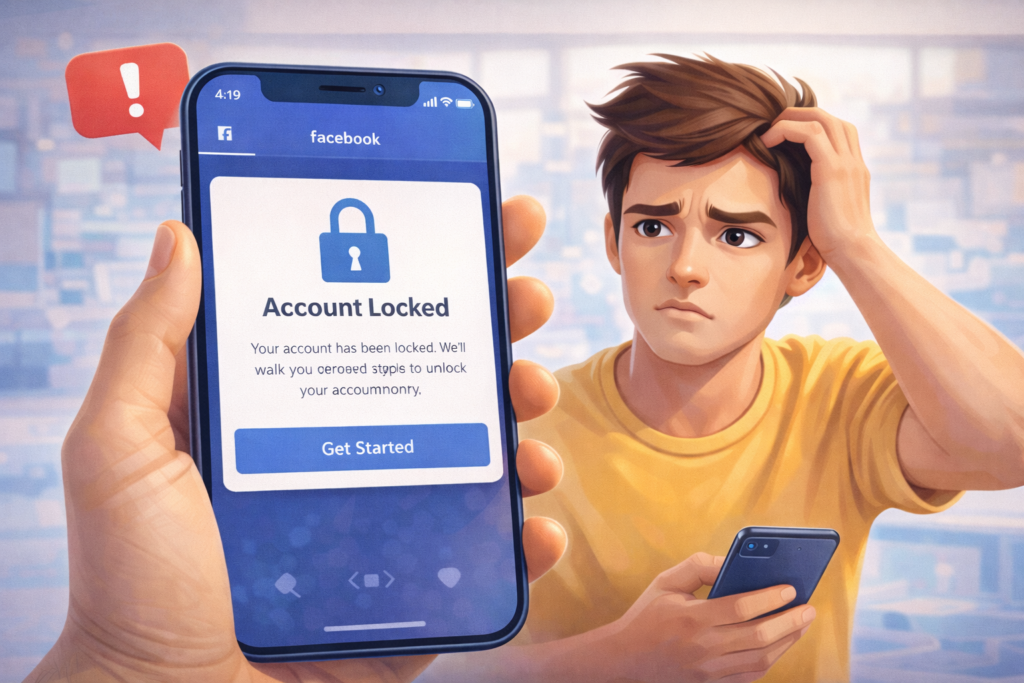
What Does “Facebook Account Locked” Mean?
When Facebook locks an account, it temporarily restricts access to protect users from unauthorized activity. You may be unable to:
- Log in to your account
- Like, comment, or post
- Access Facebook Messenger
- Manage pages or ads
Most locks are temporary, but ignoring them can lead to permanent restrictions.
Why Facebook Locks Accounts
Facebook’s security system automatically flags unusual behavior. Here are the most common reasons:
1. Suspicious Login Activity
Logging in from:
- New devices
- Different locations
- VPNs or proxies
can trigger a security lock.
2. Too Many Actions in a Short Time
Excessive:
- Friend requests
- Likes and comments
- Group joins
may look like bot behavior.
3. Violating Community Standards
Posting:
- Misleading content
- Spam links
- Repetitive messages
can cause restrictions.
4. Using Automation or Third-Party Tools
Auto-posting tools, bots, or unauthorized apps are a major cause of account locks.
5. Identity Verification Issues
Using:
- Fake names
- Incorrect personal information
- Duplicate accounts
increases lock risk.
How Long Does Facebook Account Lock Last?
The duration depends on the severity of the issue.
⏱️ Common Facebook Lock Durations
- 24 hours – Minor security issue
- 48–72 hours – Repeated unusual activity
- 7 days – Serious policy concern
- Permanent lock – Rare but possible
Most USA users regain access within 1–3 days after verification.
How to Unlock a Facebook Account (Step-by-Step)
✅ Step 1: Follow Facebook’s On-Screen Instructions
Log in and carefully read the message. Facebook usually asks you to:
- Confirm recent activity
- Verify login attempts
✅ Step 2: Complete Identity Verification
Facebook may request:
- Government-issued photo ID
- Phone or email confirmation
- Photo verification
Upload clear and accurate information.
✅ Step 3: Secure Your Account
After verification:
- Change your password
- Enable two-factor authentication
- Remove unknown devices
✅ Step 4: Check Connected Apps
Go to:
Settings → Security → Apps and Websites
Remove any suspicious or unused apps.
✅ Step 5: Wait Patiently
Facebook reviews usually take:
- 24 hours to 7 days
Avoid repeated submissions—they may slow the process.
What NOT to Do When Your Facebook Account Is Locked
❌ Don’t create a new account
❌ Don’t submit fake ID
❌ Don’t use VPNs
❌ Don’t spam Facebook support
❌ Don’t log in repeatedly
These actions may extend or permanently lock your account.
How to Prevent Facebook Account Locks in the Future
✔ Use real personal information
✔ Avoid automation tools
✔ Limit daily actions
✔ Log in from trusted devices
✔ Review Facebook policies regularly
USA accounts are closely monitored due to high activity levels.
Frequently Asked Questions (FAQs)
❓ Is Facebook account lock permanent?
Most locks are temporary and recoverable.
❓ Can I unlock my account without ID?
Sometimes, yes—but ID verification improves success.
❓ Does Facebook lock business accounts?
Yes, especially if ad or page activity looks suspicious.
❓ How many times can my account be locked?
Repeated locks increase the chance of permanent restriction.
❓ Will my pages be affected?
Yes, pages and ads are inaccessible until the account is restored.
Final Thoughts
A locked Facebook account doesn’t mean it’s gone forever. By following Facebook’s verification process and improving account security, most users in the USA can recover access safely.
For more step-by-step fixes, visit SocialMediaFixes.com regularly.