
Online privacy has become a major concern for internet users around the world. Every day, millions of people share personal information online through social media, email, online shopping, and cloud services. While the internet provides convenience and connectivity, it also exposes users to privacy risks.
Companies, advertisers, and cybercriminals often collect data about browsing habits, personal preferences, and online behavior. Without proper protection, your personal information can be misused or exposed.
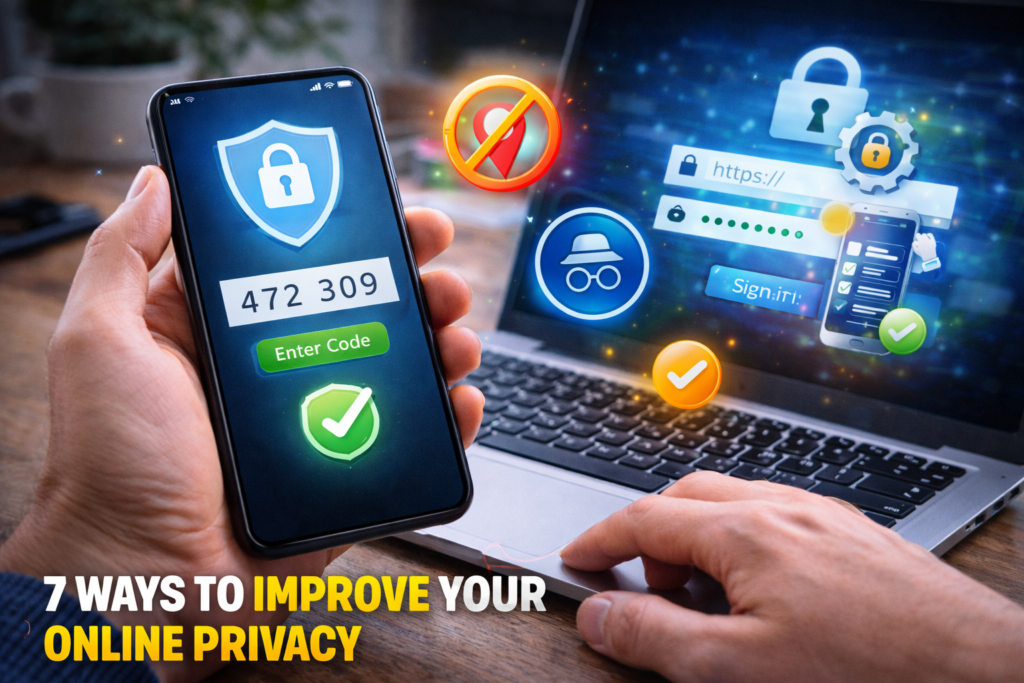
The good news is that you can take several simple steps to improve your digital privacy. In this guide, you will learn seven effective ways to improve your online privacy and protect your personal information while browsing the internet.
Why Online Privacy Matters
Protecting your online privacy is important for several reasons:
- Prevent identity theft
- Reduce targeted tracking and data collection
- Protect sensitive personal information
- Avoid phishing attacks and scams
- Maintain control over your digital identity
Taking small steps toward better privacy can significantly reduce your exposure to online threats.
1. Use Strong and Unique Passwords
One of the simplest ways to protect your online accounts is by using strong passwords.
Weak passwords make it easier for hackers to gain access to your accounts.
Tips for Better Password Security
- Use at least 12 characters or more
- Include uppercase letters, numbers, and symbols
- Avoid using personal information
- Use different passwords for each account
Using strong passwords helps protect your personal data from unauthorized access.
2. Enable Two-Factor Authentication (2FA)
Two-factor authentication adds an extra security layer to your accounts.
When enabled, you must provide:
- Your password
- A verification code sent to your phone or authenticator app
This means that even if someone knows your password, they still cannot access your account without the second verification step.
3. Limit What You Share Online
Many people unknowingly expose personal information on social media.
Examples include:
- Home addresses
- Phone numbers
- Birthdates
- Travel plans
Limiting what you share online reduces the chances of identity theft or targeted scams.
4. Use Secure and Private Browsers
Your web browser plays an important role in online privacy.
Some browsers collect browsing data for advertising purposes. Privacy-focused browsers provide better protection by limiting tracking.
Features to Look For
- Built-in tracking protection
- Secure browsing modes
- Blocking of third-party cookies
Using a privacy-focused browser can reduce unwanted tracking.
ALSO READ…
- 6 Google Drive Replacements for Linux
- 5 Clever Uses for Your Old Chromebooks
- How to Make Viral Instagram Reels in the USA
- How to Recover a Hacked Social Media Account
5. Avoid Public Wi-Fi for Sensitive Activities
Public Wi-Fi networks in places like airports, hotels, and coffee shops are often unsecured.
Hackers can intercept data transmitted over these networks.
Avoid accessing sensitive information on public networks, such as:
- Online banking
- Email accounts
- Business accounts
If you must use public Wi-Fi, consider using a secure VPN connection.
6. Manage App Permissions Carefully
Many mobile apps request access to personal data, including:
- Location information
- Contacts
- Camera and microphone
Not all apps need these permissions to function properly.
What You Should Do
Review app permissions regularly and disable access for features that are unnecessary.
This helps limit how much personal data apps can collect.
7. Keep Your Devices and Software Updated
Software updates often include important security patches that protect against new threats.
Outdated systems may contain vulnerabilities that hackers can exploit.
Make sure to update:
- Operating systems
- Web browsers
- Mobile apps
- Security software
Regular updates improve both privacy and security.
Additional Tips for Better Online Privacy
In addition to the steps above, you can further improve privacy by:
- Clearing browser cookies regularly
- Using secure messaging apps
- Avoiding suspicious links in emails
- Monitoring your online accounts for unusual activity
These habits help reduce exposure to online threats.
Signs Your Online Privacy May Be at Risk
You may notice warning signs if your online privacy has been compromised:
- Unexpected login alerts
- Unusual account activity
- Spam messages from your accounts
- Unauthorized password reset requests
If you notice any of these signs, change your passwords immediately and review your security settings.
Final Thoughts
Protecting your online privacy is more important than ever in today’s connected world. Cyber threats continue to evolve, but simple precautions can significantly reduce your risk.
By using strong passwords, enabling two-factor authentication, limiting personal information sharing, and maintaining secure browsing habits, you can greatly improve your online privacy.
Taking control of your digital privacy not only protects your personal information but also ensures a safer and more secure internet experience.
SHARING IS CARING 💖