
Accidentally deleting a Facebook post can be frustrating—especially if it contained important memories, business promotions, event announcements, or valuable engagement. Many users in the United States search for ways to recover deleted Facebook posts after mistakenly removing them from their profile or page.
The good news is that in many cases, deleted Facebook posts can be recovered, depending on how and when they were deleted. This guide explains where deleted posts go, how to restore them step by step, and what to do if recovery isn’t possible.
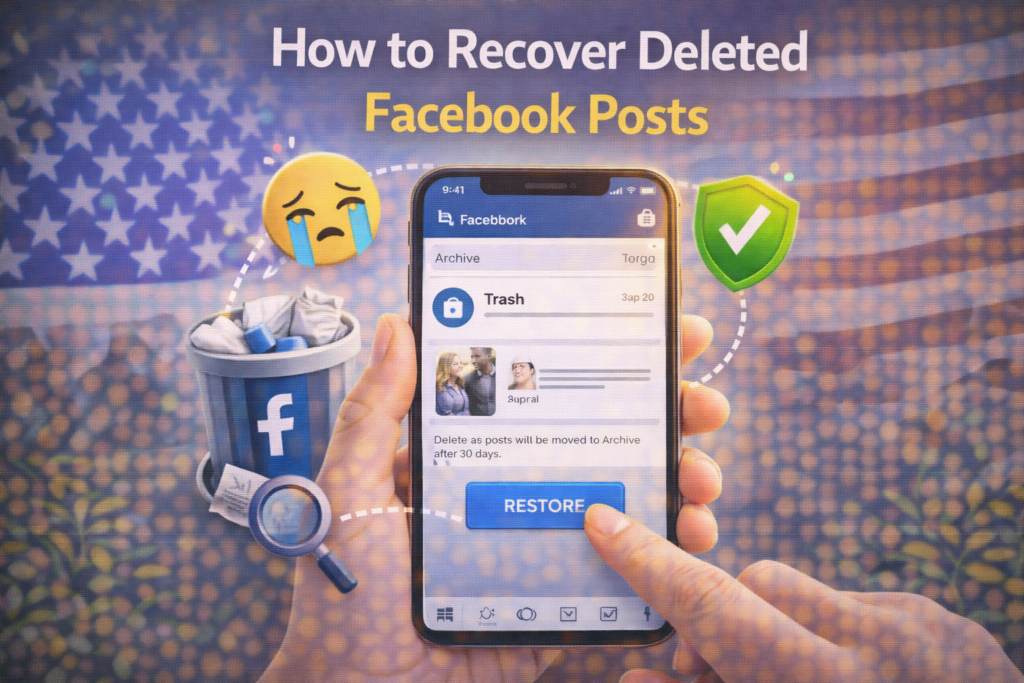
Can You Recover Deleted Facebook Posts?
Yes — but only under certain conditions.
When you delete a post, Facebook may temporarily move it to:
- Trash (Recently Deleted)
- Activity Log
- Archive
If the post is permanently deleted and removed from Trash, recovery may not be possible.
Where Do Deleted Facebook Posts Go?
Facebook has introduced features that help users manage and restore deleted content.
1. Trash (Recently Deleted Folder)
When you delete a post, it moves to the Trash for 30 days. After 30 days, it is permanently deleted.
2. Archive
Archived posts are hidden from your timeline but not deleted. They can be restored anytime.
3. Activity Log
Your Activity Log keeps a record of posts, edits, and interactions. Sometimes content can be managed from here.
Step-by-Step: How to Recover Deleted Facebook Posts
Follow these steps depending on your device.
Method 1: Restore from Trash (Mobile App)
This works for most USA users.
Step 1:
Open the Facebook app.
Step 2:
Go to your profile.
Step 3:
Tap the three dots (•••) next to “Edit Profile.”
Step 4:
Select Activity Log.
Step 5:
Tap Trash.
Step 6:
Find the deleted post.
Step 7:
Tap Restore.
The post will return to your timeline.
Method 2: Restore from Trash (Desktop)
Step 1:
Go to your Facebook profile.
Step 2:
Click Settings & Privacy → Activity Log.
Step 3:
Select Trash from the left menu.
Step 4:
Choose the deleted post.
Step 5:
Click Restore to Profile.
Method 3: Check Archived Posts
If you archived instead of deleted:
On Mobile:
- Go to Profile
- Tap three dots
- Open Archive
- Restore the post
Method 4: Recover Facebook Page Posts
If you manage a business page:
- Go to the Facebook Page
- Click Professional Dashboard
- Open Activity Log
- Check Trash
- Restore if available
Page posts also stay in Trash for 30 days.
What If the Post Is Permanently Deleted?
If 30 days have passed:
- The post is permanently removed
- Facebook cannot restore it
- It is not stored on servers for user recovery
Unfortunately, recovery is not possible after permanent deletion.
Can You Recover Deleted Facebook Posts Without Backup?
No. Facebook does not provide a recovery option after permanent deletion unless you previously downloaded your data.
How to Download Facebook Data for Backup
To avoid future losses:
- Go to Settings & Privacy → Settings
- Click Your Facebook Information
- Select Download Your Information
- Choose date range and format
- Request download
This allows you to keep a copy of posts and media.
How Long Do Deleted Posts Stay in Trash?
For most USA users:
- Trash duration: 30 days
- After 30 days: permanently deleted
You must act quickly.
What NOT to Do
❌ Don’t use third-party recovery tools
❌ Don’t share account details with recovery services
❌ Don’t trust websites promising instant recovery
❌ Don’t create duplicate posts repeatedly
These can compromise your account.
How to Prevent Losing Facebook Posts Again
✔ Archive instead of delete when unsure
✔ Download your Facebook data regularly
✔ Review before deleting
✔ Keep backups of important business posts
✔ Assign trusted admins for page management
Prevention is always better than recovery.
Frequently Asked Questions (FAQs)
Can I recover a post deleted years ago?
No, permanently deleted posts cannot be restored.
Does Facebook keep copies of deleted posts?
No, once permanently deleted, they are removed from Facebook servers.
Can Facebook support restore my deleted post?
No, unless it is still within the 30-day Trash period.
Does deactivating my account delete posts?
No, deactivation only hides content temporarily.
Final Thoughts
Recovering deleted Facebook posts is possible if you act within the 30-day Trash window. Whether it’s a personal memory or a business announcement, checking the Activity Log and Trash folder quickly gives you the best chance of restoration.
For users in the United States, understanding Facebook’s recovery system can save important content and avoid permanent loss.
For more Facebook fixes and social media help guides, visit SocialMediaFixes.com.
SHARING IS CARING 💖