
Facebook Groups are one of the most powerful tools for building communities, growing businesses, and sharing valuable content in the United States. But many users experience a frustrating issue where their Facebook group posts are hidden, pending approval, or not visible to other members.
If your posts are not appearing in a Facebook group, don’t panic. This problem is common and usually caused by group settings, moderation rules, or Facebook’s automated systems. The good news is that most visibility issues can be fixed with the right approach.
This guide explains why Facebook group posts get hidden, how to fix the issue step by step, and how to prevent it from happening again.
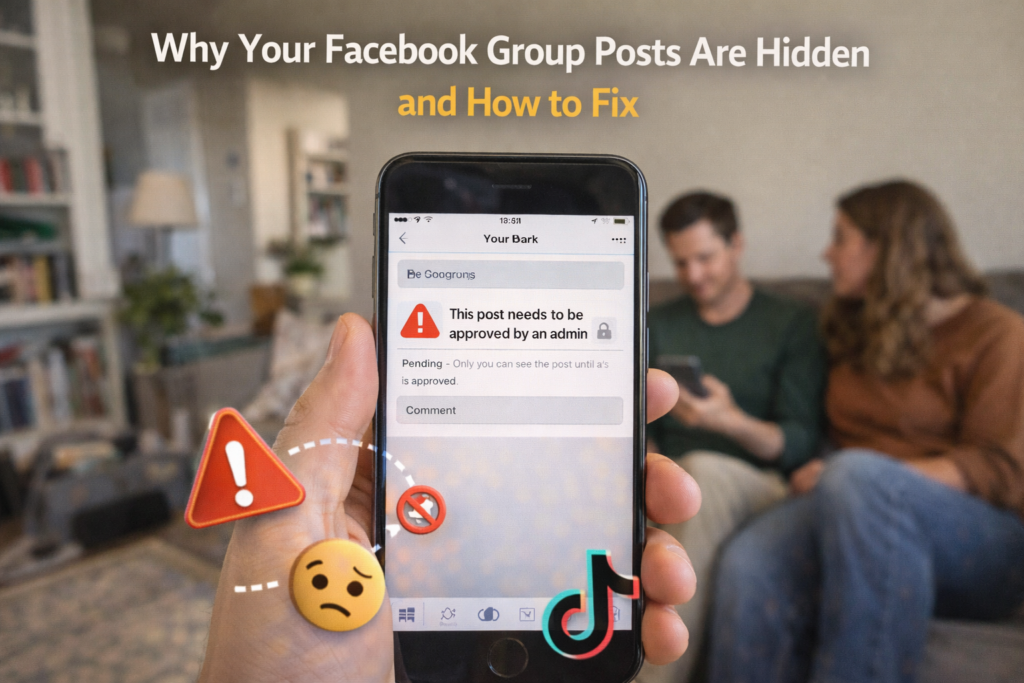
What Does It Mean When a Facebook Group Post Is Hidden?
When your Facebook group post is hidden, it may:
- Stay in “Pending Approval”
- Not appear in the group feed
- Be visible only to you
- Be automatically removed
This usually means your post triggered moderation rules or violated group guidelines.
Common Reasons Facebook Group Posts Are Hidden
Understanding the cause helps you fix it faster.
1. Group Post Approval Settings
Many Facebook groups in the USA use post approval mode, which means:
- All posts must be approved by admins
- New members require manual approval
- Certain keywords trigger moderation
If your post is pending, it simply needs admin approval.
2. Admin Assist Rules
Facebook allows group admins to create automated moderation rules. These rules may:
- Block posts with links
- Filter posts with certain keywords
- Reject posts from new members
Your content may have triggered one of these filters.
3. Posting External Links
Groups often restrict posts that include:
- Website links
- Affiliate links
- Promotional URLs
Link-heavy posts are more likely to be hidden.
4. Spam Detection System
Facebook uses automated systems to detect spam-like behavior such as:
- Posting too frequently
- Repeating the same content
- Copy-pasting posts in multiple groups
This can temporarily reduce your visibility.
5. Violating Group Rules
Each group has its own rules. Posting off-topic content or ignoring guidelines may lead to hidden posts.
6. Account Restrictions
If your Facebook profile has warnings or limited activity status, your posts may be hidden automatically.
Step-by-Step: How to Fix Hidden Facebook Group Posts
Follow these proven steps to restore your post visibility.
✅ Step 1: Check If the Post Is Pending Approval
Go to the group and check:
- “Pending Posts” section
- Notifications from admins
If pending, wait for approval.
✅ Step 2: Review Group Rules
Carefully read the group’s rules and compare them with your post. Make adjustments if needed.
✅ Step 3: Remove External Links
If your post contains links:
- Remove the link
- Place it in the comments instead
- Or rewrite the post without direct promotion
This increases approval chances.
✅ Step 4: Avoid Repetitive Posting
If you recently posted multiple times:
- Take a break for 24–48 hours
- Avoid copy-pasting the same content
Natural activity improves trust.
✅ Step 5: Contact the Group Admin
Politely message the admin:
- Ask if your post violated any rules
- Request clarification
Admins can manually approve posts.
✅ Step 6: Check Your Account Status
Go to:
Facebook → Settings → Account Status
Look for any violations or activity limits.
✅ Step 7: Improve Content Quality
Posts with:
- Clear value
- Engaging questions
- Helpful insights
are more likely to be approved.
How Long Do Hidden Posts Stay Hidden?
For most USA users:
- Pending approval: minutes to hours
- Admin review delays: 1–2 days
- Account-related restrictions: 24–72 hours
Severe violations may result in permanent removal.
What NOT to Do
❌ Don’t repost the same content repeatedly
❌ Don’t argue with admins
❌ Don’t spam links
❌ Don’t use automation tools
These actions can lead to removal from the group.
How to Prevent Future Post Visibility Problems
✔ Follow group rules strictly
✔ Post high-value content
✔ Limit promotional links
✔ Engage before posting
✔ Maintain clean account history
Building trust improves visibility.
Frequently Asked Questions (FAQs)
Why is my Facebook group post visible to me but not others?
It may be pending approval or filtered by admin rules.
Can Facebook automatically hide posts?
Yes, if spam-like activity is detected.
Do new members have restricted posting?
Many groups moderate posts from new members.
Will deleting and reposting help?
Not always. It may worsen spam detection.
Final Thoughts
If your Facebook group posts are hidden, the issue is usually related to moderation rules, spam detection, or group policies. By reviewing guidelines, avoiding excessive links, and posting helpful content, most USA users can restore their visibility.
Building credibility and respecting group rules is the best long-term strategy.
For more Facebook fixes and social media solutions, visit SocialMediaFixes.com.
SHARING IS CARING 💖