
TikTok is one of the most popular apps in the United States, used by millions for entertainment, learning, and business promotion. But many users suddenly face TikTok login problems, where they can’t access their accounts, receive error messages, or get stuck on the login screen.
If you’re unable to log into TikTok, don’t panic. Most login issues are temporary and can be fixed with simple troubleshooting steps. This guide explains why TikTok login problems happen, how to fix them step by step, and how to prevent future login issues.
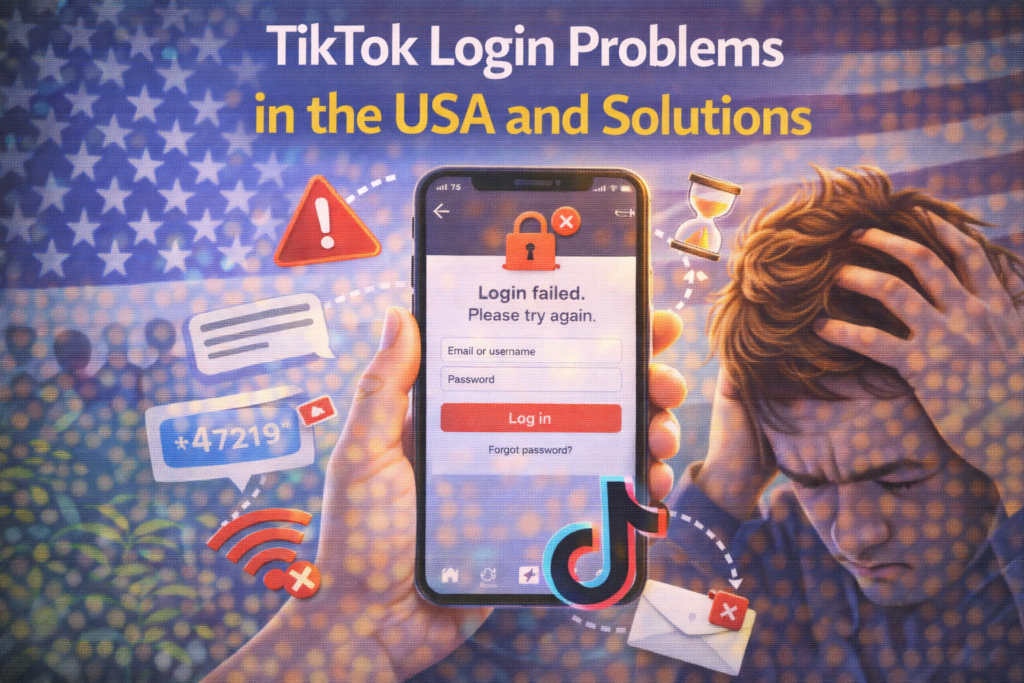
Common TikTok Login Problems
Users in the USA report several types of login issues:
- Incorrect username or password error
- Account temporarily locked
- Verification code not received
- “Too many attempts” message
- App keeps logging you out
- TikTok not opening after login
Identifying the exact problem helps you choose the right solution.
Why TikTok Login Problems Happen
1. Incorrect Login Credentials
You may be entering:
- Wrong password
- Old email
- Incorrect phone number
Small typing errors can also cause login failure.
2. Account Security Lock
TikTok may lock your account if it detects:
- Login from new devices
- Multiple failed attempts
- Suspicious activity
This is done to protect your account.
3. Verification Code Issues
You may not receive a login code due to:
- Network problems
- SMS delays
- Wrong email or phone linked
4. App Glitches
Outdated app versions or corrupted cache can block login.
5. VPN or IP Problems
Using VPNs can trigger security checks and login blocks.
6. Server Issues
Sometimes TikTok servers are temporarily down or overloaded.
Step-by-Step: How to Fix TikTok Login Problems
Follow these steps in order. Most USA users regain access quickly.
✅ Step 1: Double-Check Your Login Details
Make sure:
- Caps Lock is off
- No extra spaces are entered
- Correct email or phone number is used
✅ Step 2: Reset Your Password
Tap Forgot Password and choose email or phone recovery.
Create a strong new password.
✅ Step 3: Check Verification Messages
Look in:
- SMS inbox
- Email inbox
- Spam folder
Make sure your number and email are active.
✅ Step 4: Restart the TikTok App
Close the app completely and reopen it.
✅ Step 5: Clear TikTok Cache
In the app:
- Go to Settings and Privacy
- Tap Free up space
- Clear cache
✅ Step 6: Update the App
Go to App Store or Google Play Store and install updates.
✅ Step 7: Restart Your Phone
A device restart can fix system issues.
✅ Step 8: Turn Off VPN
Disable VPN and try logging in again.
✅ Step 9: Wait If Account Is Temporarily Locked
If TikTok says “Too many attempts,” wait 24 hours before trying again.
✅ Step 10: Contact TikTok Support
If nothing works, report the issue through TikTok’s support feature.
How Long Do Login Issues Last?
For most USA users:
- Password issues: instant after reset
- App glitches: minutes
- Security lock: 24–48 hours
- Server problems: 1–24 hours
What NOT to Do
❌ Don’t use third-party login tools
❌ Don’t share verification codes
❌ Don’t create multiple accounts repeatedly
❌ Don’t keep trying passwords rapidly
These can make the problem worse.
How to Prevent Future TikTok Login Problems
✔ Use a strong password
✔ Enable two-step verification
✔ Keep email and phone updated
✔ Avoid using VPN while logging in
✔ Keep the app updated
Prevention saves time and frustration.
Frequently Asked Questions (FAQs)
Why does TikTok say “Login expired”?
Your session ended. Log in again.
What if I lost access to my email and phone?
Use TikTok support and identity verification.
Can TikTok permanently lock my account?
Yes, in cases of serious violations.
Does clearing cache delete my account?
No, it only removes temporary data.
Final Thoughts
TikTok login problems can be frustrating, but most are temporary and easy to fix. By resetting your password, updating the app, and checking your verification details, users in the USA can quickly regain access.
Keeping your account secure and information updated helps prevent future login issues.
For more TikTok fixes and social media help guides, visit SocialMediaFixes.com.
SHARING IS CARING 💖