
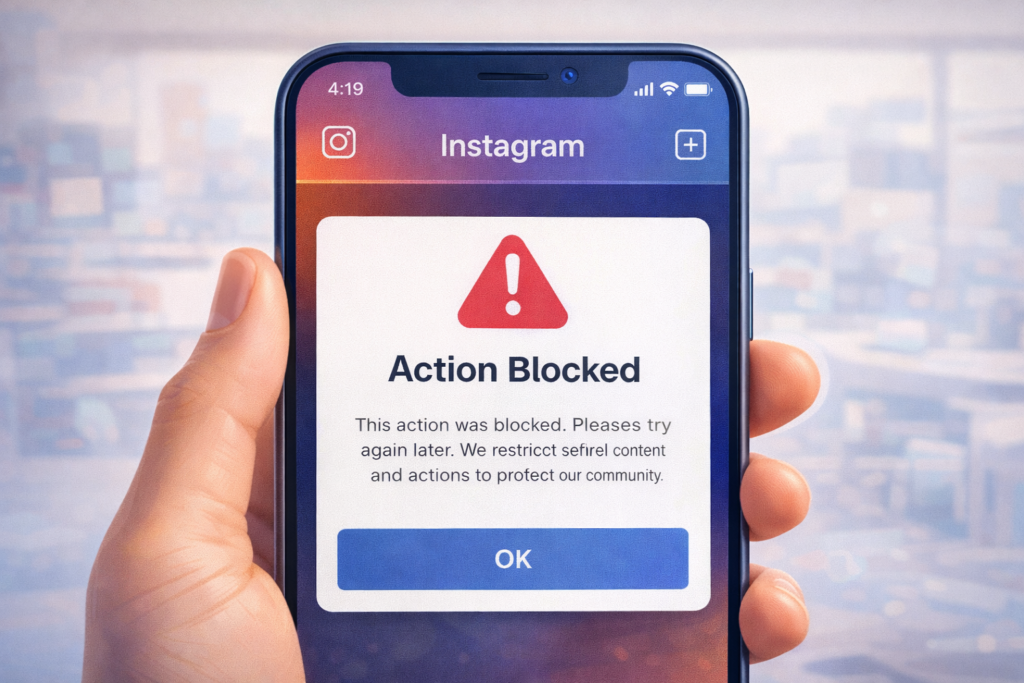
If you’re seeing the “Action Blocked” message on Instagram, you’re not alone. Thousands of users in the USA experience this issue every day, often without knowing what they did wrong. This error can stop you from liking posts, following accounts, commenting, or even sending messages.
In this guide, you’ll learn how long Instagram action blocked lasts, why it happens, how to fix it safely, and how to prevent it in the future.
What Does “Instagram Action Blocked” Mean?
Instagram shows the Action Blocked warning when it believes your account activity looks suspicious or violates its usage limits.
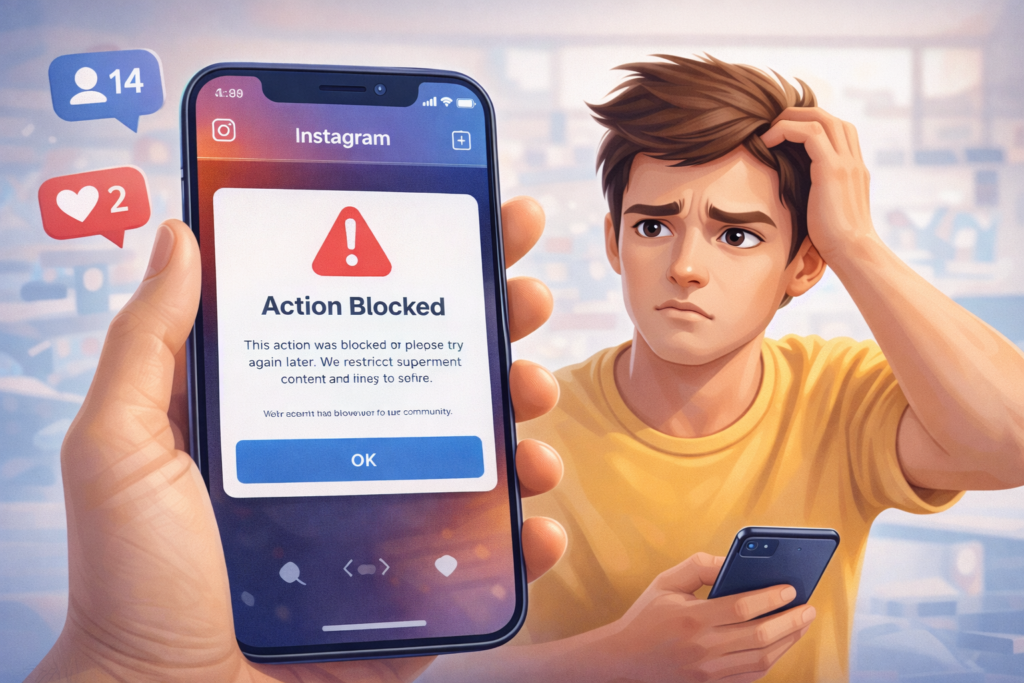
When this happens, Instagram temporarily restricts actions such as:
- Liking posts
- Following or unfollowing accounts
- Commenting
- Sending direct messages
This system is designed to protect users from spam and bots—but real users often get caught in it too.
Why Instagram Action Block Happens
Here are the most common reasons Instagram blocks actions:
1. Too Many Actions in a Short Time
If you:
- Like too many posts quickly
- Follow/unfollow many accounts
- Comment repeatedly with similar text
Instagram may flag your account.
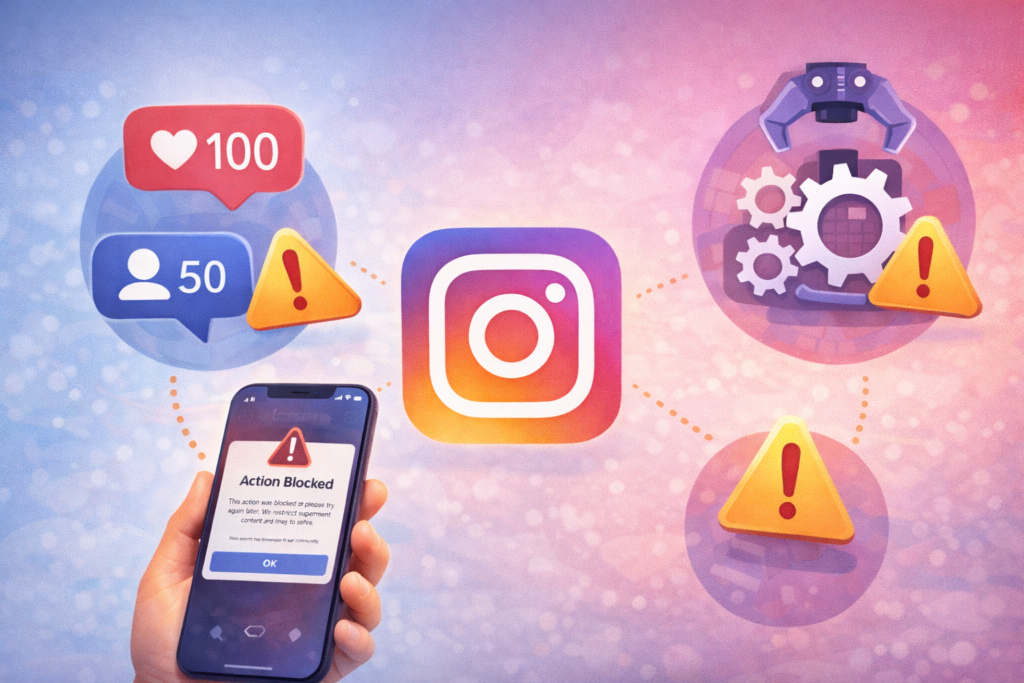
2. Using Automation or Third-Party Apps
Apps that promise:
- Auto likes
- Auto followers
- Growth bots
are a major reason for action blocks in the USA.
3. Repetitive or Spammy Behavior
Posting the same comment repeatedly or using copy-paste comments can trigger restrictions.
4. New or Recently Reactivated Account
New Instagram accounts are closely monitored and have lower action limits.
5. Suspicious Login Activity
Logging in from multiple devices, VPNs, or locations can trigger security blocks.
Instagram Action Block: How Long Does It Last?
The duration depends on how severe the violation is.
⏱️ Common Action Block Durations
- 24 hours – Most common
- 48–72 hours – Repeated behavior
- 7 days – Multiple violations
- 2 weeks or more – Severe or repeated misuse
- Permanent restriction – Rare, but possible
👉 In most cases, the block is temporary if you stop risky behavior.
How to Fix Instagram Action Block (Step-by-Step)
✅ Step 1: Stop All Activity Immediately
Do not:
- Like
- Follow
- Comment
- DM
for at least 24–48 hours.
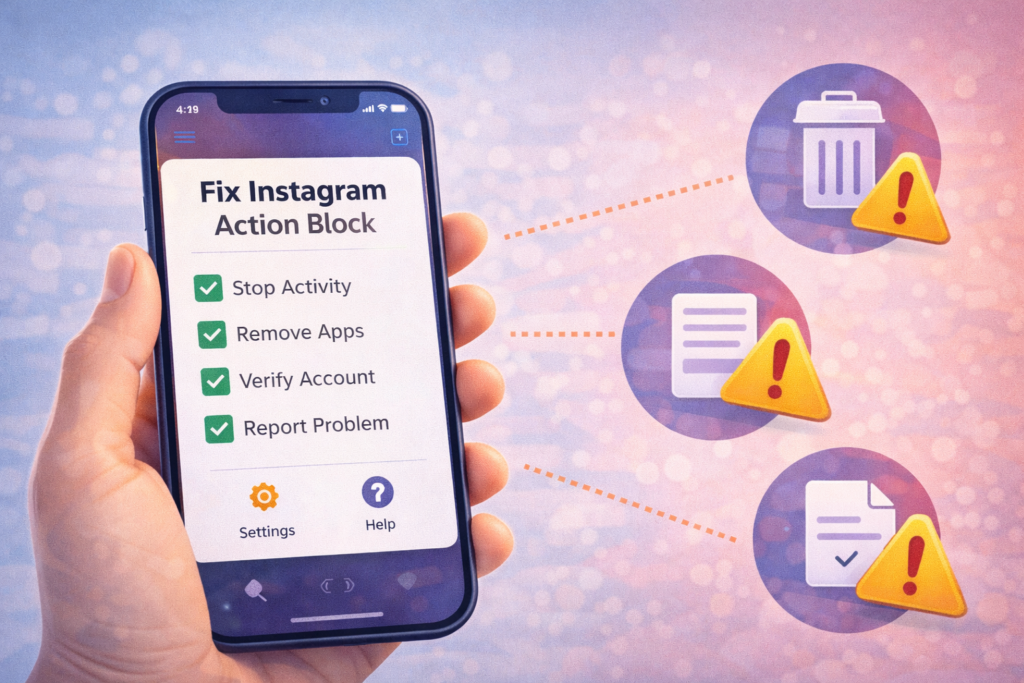
✅ Step 2: Remove Third-Party Apps
- Go to Instagram Settings
- Security → Apps and Websites
- Remove any suspicious apps
✅ Step 3: Verify Your Account
- Add email & phone number
- Enable two-factor authentication
- Confirm identity if prompted
✅ Step 4: Report the Problem to Instagram
- Settings → Help
- Report a Problem
- Select “Something isn’t working”
- Explain politely that you’re a real user
✅ Step 5: Resume Activity Slowly
After the block ends:
- Like 5–10 posts per hour
- Avoid repetitive comments
- Follow gradually
What NOT to Do During Action Block
❌ Don’t use bots
❌ Don’t create a new account immediately
❌ Don’t log in/out repeatedly
❌ Don’t use VPNs
❌ Don’t spam Instagram support
These actions can extend the block.
USA-Specific Tips to Avoid Action Blocks
- Avoid growth services marketed in the USA
- Use real engagement, not automation
- Maintain consistent login locations
- Post quality content instead of mass activity
Instagram heavily monitors accounts from high-usage regions like the US.
Frequently Asked Questions (FAQs)
❓ Is Instagram action blocked permanent?
No, most blocks are temporary if you follow safe practices.
❓ Can I fix action blocked instantly?
There’s no instant fix. Waiting and stopping activity works best.
❓ Does action blocked affect reach?
Yes, temporarily. Reach usually recovers after restrictions are lifted.
❓ Will creating a new account help?
No. New accounts are monitored even more strictly.
❓ How many times can action block happen?
Repeated violations increase block duration and risk permanent restriction.
Final Thoughts
Instagram action blocks are frustrating—but they are usually temporary. By understanding why they happen and following safe usage habits, you can recover your account and avoid future restrictions.
If you’re facing Instagram issues regularly, bookmarking SocialMediaFixes.com can save you time and stress.