
In today’s world of powerful computers, it’s easy to forget that not everyone has access to high-end hardware. Many users in the United States still rely on older laptops or low-spec systems. That’s where lightweight operating systems come in.
These operating systems are designed to run smoothly on minimal hardware while offering essential features. Whether you want to revive an old PC, improve performance, or simply prefer a fast and minimal setup, lightweight OS options are a great solution.
In this guide, we’ll explore 5 of the most lightweight operating systems ranked by download size, along with their features, use cases, and performance benefits.
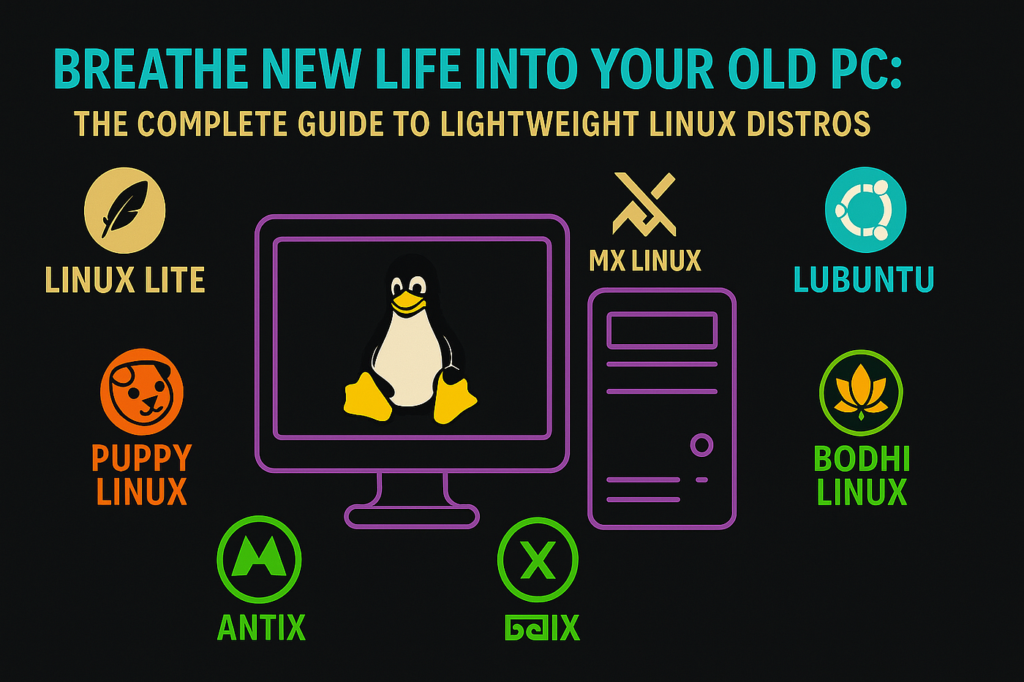
What Is a Lightweight Operating System?
A lightweight OS is designed to:
- Use minimal system resources
- Run on older or low-end hardware
- Provide fast performance
- Focus on essential features
These systems often have smaller download sizes and require less RAM and storage.
Why Choose a Lightweight OS?
Users in the USA choose lightweight operating systems for:
✔ Faster boot times
✔ Improved performance on old PCs
✔ Lower RAM usage
✔ Better battery life
✔ Minimal system clutter
🏆 Top 5 Lightweight Operating Systems (Ranked by Download Size)
🥇 1. Tiny Core Linux – Smallest OS
Download Size: ~16 MB
RAM Requirement: 128 MB
Tiny Core Linux is one of the smallest operating systems available. Despite its size, it provides a fully functional Linux environment.
Key Features:
- Extremely small footprint
- Modular system (install only what you need)
- Fast boot time
Best For:
- Advanced users
- Ultra-old hardware
🥈 2. Puppy Linux – Lightweight & Beginner Friendly
Download Size: ~300 MB
RAM Requirement: 256 MB
Puppy Linux is designed for simplicity and speed. It can run entirely from RAM, making it extremely fast.
Key Features:
- Easy to use
- Runs from USB
- Pre-installed apps
Best For:
- Beginners
- Everyday tasks
🥉 3. LXLE – Best for Old Computers
Download Size: ~1.5 GB
RAM Requirement: 512 MB
LXLE is based on Ubuntu and optimized for older systems.
Key Features:
- Lightweight LXDE desktop
- Stable and user-friendly
- Long-term support
Best For:
- Reviving old laptops
- General use
4. Linux Lite – Best Windows Alternative
Download Size: ~1.8 GB
RAM Requirement: 1 GB
Linux Lite is designed for users switching from Windows.
Key Features:
- Familiar interface
- Easy software installation
- Good community support
Best For:
- Beginners moving from Windows
5. AntiX Linux – Best Performance Balance
Download Size: ~700 MB
RAM Requirement: 256 MB
AntiX Linux is lightweight but still offers a full desktop experience.
Key Features:
- No systemd (lightweight design)
- Fast performance
- Good hardware compatibility
Best For:
- Users wanting speed + functionality
Comparison Table
| OS Name | Download Size | RAM Required | Best For |
|---|---|---|---|
| Tiny Core | ~16 MB | 128 MB | Advanced users |
| Puppy Linux | ~300 MB | 256 MB | Beginners |
| AntiX Linux | ~700 MB | 256 MB | Performance balance |
| LXLE | ~1.5 GB | 512 MB | Old laptops |
| Linux Lite | ~1.8 GB | 1 GB | Windows users |
How to Choose the Right Lightweight OS
👉 For Extremely Old PCs:
Choose Tiny Core Linux or Puppy Linux
👉 For Beginners:
Choose Puppy Linux or Linux Lite
👉 For Balanced Performance:
Choose AntiX Linux
👉 For Stability:
Choose LXLE
Benefits of Lightweight Operating Systems
✔ Extend life of old computers
✔ Faster performance
✔ Lower system requirements
✔ Free and open-source
✔ Customizable
Common Mistakes to Avoid
❌ Choosing an OS that is too minimal
❌ Ignoring hardware compatibility
❌ Not checking software support
❌ Expecting full Windows-like experience
Tips for Installing Lightweight OS
- Use a USB boot drive
- Backup your data
- Test using live mode before installing
- Check system requirements
Why Lightweight OS Are Popular in the USA
Many users in the USA prefer lightweight OS because:
- They revive old devices
- Reduce e-waste
- Improve performance
- Offer free alternatives to paid systems
Frequently Asked Questions (FAQs)
Which is the lightest OS available?
Tiny Core Linux is one of the smallest at around 16 MB.
Can lightweight OS run modern apps?
Yes, but performance depends on your hardware.
Are lightweight OS safe?
Yes, most are secure and regularly updated.
Can I install them alongside Windows?
Yes, dual-boot is possible.
Final Thoughts
Lightweight operating systems are a powerful solution for users who want speed, simplicity, and efficiency. Whether you’re reviving an old PC or optimizing performance, these systems provide excellent value.
For users in the United States, choosing the right lightweight OS can save money, improve productivity, and extend device life.
If you’re just starting, try Puppy Linux. If you want maximum performance, go for Tiny Core Linux.
For more tech guides and optimization tips, visit SocialMediaFixes.com.
SHARING IS CARING 💖