
Old Chromebooks often end up unused once they slow down or stop receiving updates. But instead of letting them collect dust, you can turn them into powerful tools with a little creativity.
In the United States, many users are looking for ways to reuse old devices, save money, and reduce e-waste. The good news is that Chromebooks are lightweight and versatile, making them perfect for repurposing.
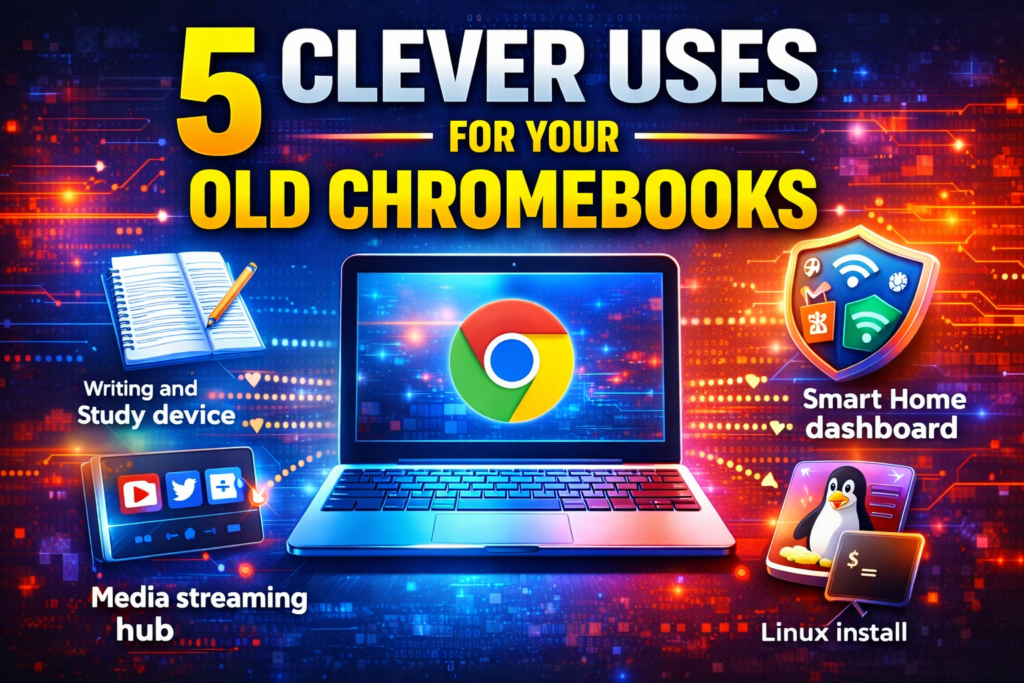
In this guide, you’ll discover 5 clever uses for your old Chromebook that can bring it back to life and make it useful again.
Why You Should Reuse Your Old Chromebook
Before diving into ideas, here’s why repurposing is a smart move:
✔ Saves money
✔ Reduces electronic waste
✔ Extends device lifespan
✔ Useful for basic tasks
✔ Easy to customize
💡 5 Clever Uses for Your Old Chromebook
1. Turn It Into a Dedicated Writing or Study Device
Old Chromebooks are perfect for distraction-free work.
How to Use:
- Use Google Docs or offline writing apps
- Disable unnecessary notifications
- Keep only essential apps
Benefits:
- Faster performance
- No distractions
- Great for students and writers
2. Use It as a Media Streaming Hub
Transform your Chromebook into an entertainment center.
What You Can Do:
- Watch Netflix, YouTube, or Hulu
- Connect to TV via HDMI
- Use external speakers
Why It Works:
Chromebooks are optimized for web-based streaming, making them ideal for media use.
3. Convert It Into a Smart Home Dashboard
Control your smart home devices from one screen.
Setup Ideas:
- Display security cameras
- Control smart lights
- Manage thermostats
Best Use:
Mount it on a wall or keep it in a central location.
4. Install Linux for a Lightweight Computer
If your Chromebook supports Linux, you can unlock new possibilities.
What You Can Do:
- Install lightweight Linux apps
- Use coding tools
- Run advanced software
Benefits:
- Extends usability
- Improves performance
- Great for tech enthusiasts
5. Use It as a Secondary Work or Travel Device
Instead of carrying your main laptop, use your Chromebook.
Ideal For:
- Travel
- Remote work
- Backup device
Advantages:
- Lightweight
- Secure
- Easy to carry
Bonus Idea: Use It as a Digital Photo Frame
Turn your Chromebook into a slideshow display for:
- Family photos
- Memories
- Artwork
How to Improve Performance of Old Chromebooks
To get the best experience:
✔ Clear browser cache
✔ Remove unused extensions
✔ Update Chrome OS
✔ Use lightweight apps
✔ Restart regularly
Common Mistakes to Avoid
❌ Installing too many apps
❌ Ignoring updates
❌ Using heavy software
❌ Keeping unnecessary files
Why This Matters in the USA
Many users in the USA are:
- Looking to save money
- Interested in sustainability
- Reusing devices instead of upgrading
Repurposing your Chromebook helps achieve all three.
Frequently Asked Questions (FAQs)
Can old Chromebooks still be useful?
Yes, especially for light tasks and creative uses.
Can I install Windows on a Chromebook?
It’s possible but not recommended for most users.
Is Linux safe on Chromebook?
Yes, if installed properly.
How long do Chromebooks last?
Typically 5–8 years depending on usage.
Final Thoughts
Your old Chromebook still has plenty of life left. With a little creativity, you can turn it into a useful tool for work, entertainment, or productivity.
Instead of throwing it away, try one of these clever ideas and make the most of your device.
For more tech tips and smart solutions, visit SocialMediaFixes.com.
SHARING IS CARING 💖